Best practices
Share information and values safely
Separate access to secret information from value delivery, then manage expiry and revocation.
Why distinguish the purpose of sharing?
A reviewer may need exposed locations and verification results. A service operator may need the value itself. Separating these needs avoids sending values to everyone involved in reviewing a finding.
Recommended sharing practice
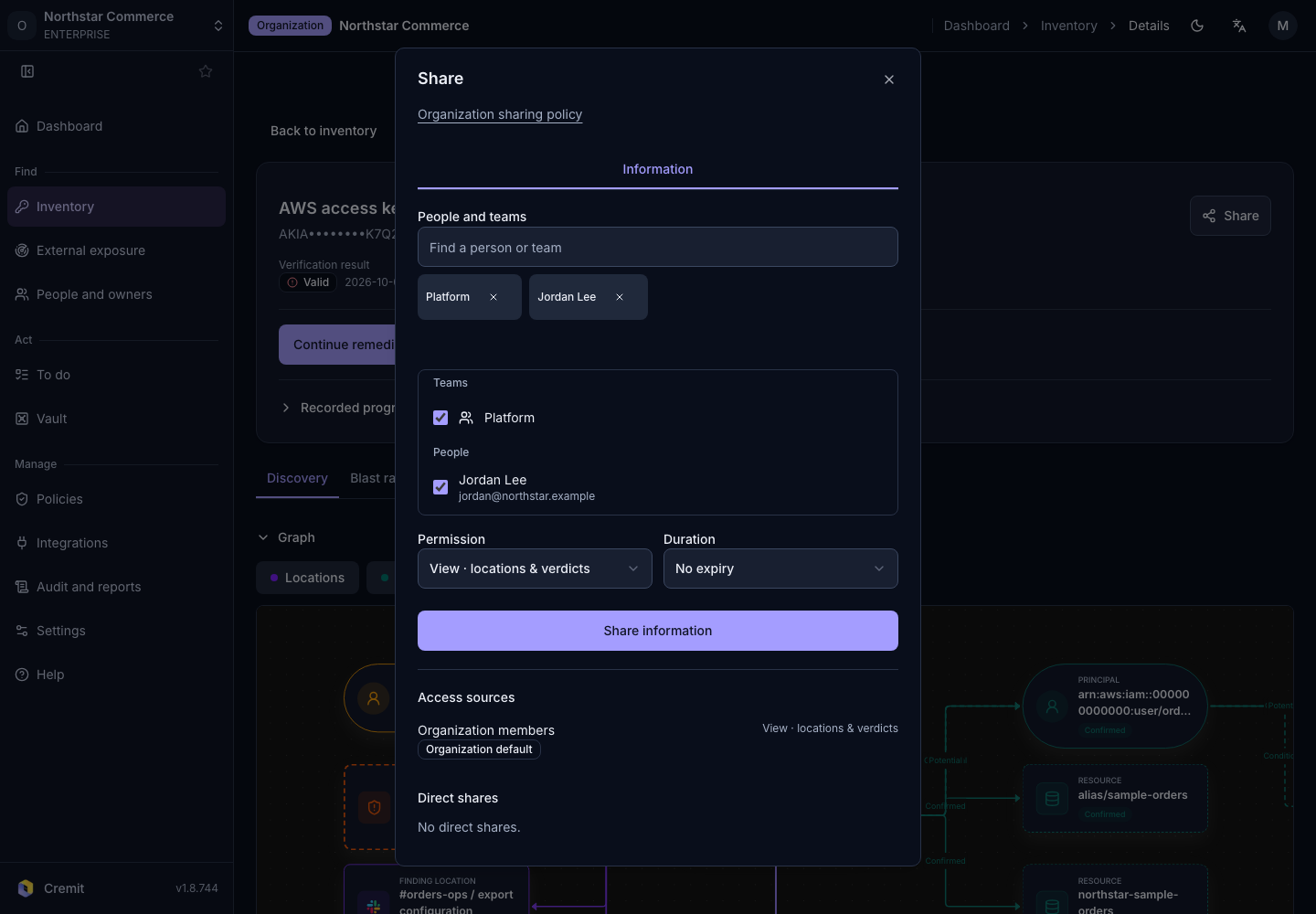
Use Information for review and handover. Choose View for readers. Reserve Manage for people who need to manage information and share it with others. Information sharing does not deliver the secret value.
Use Send a value when a designated member needs the value itself. Confirm the recipient and purpose. Set Expires and Total views to the minimum needed. The defaults are 24 hours and one view. The view limit is shared across all recipients. If each person needs one view, set the limit to the number of recipients.
For information sharing, set an expiry that matches the work. The default policy sets no maximum sharing duration. Check the actual expiry. Default access defaults to Everyone in the organization. If only selected people should have access, ask an administrator to review Restricted and team rules. Revoking one share can leave other access paths in place.
When responsibility changes or work ends, review Who has access. Revoke access that is no longer needed. Check the status and expiry of sent values in Sent values. Expiry and revocation cannot remove a copy someone already made after viewing a value.
Common mistakes
Do not promote a user simply because the value-sharing button is missing. Check their role and the sharing policy first. Value sharing is unavailable when Require approval to share information is enabled. Pasting the value into a review document or chat creates a separate copy outside the share's expiry controls.
Checklist
- Decide whether the task needs information or the value.
- Confirm recipients and the minimum required permission.
- Review defaults against the actual expiry and view limit.
- Check remaining shares and other access paths after the work.
- Consider whether any copy of the received value is necessary.
See Share a secret for the controls and their limits.