Settings
Billing and usage
Review the current plan, usage and billing history.
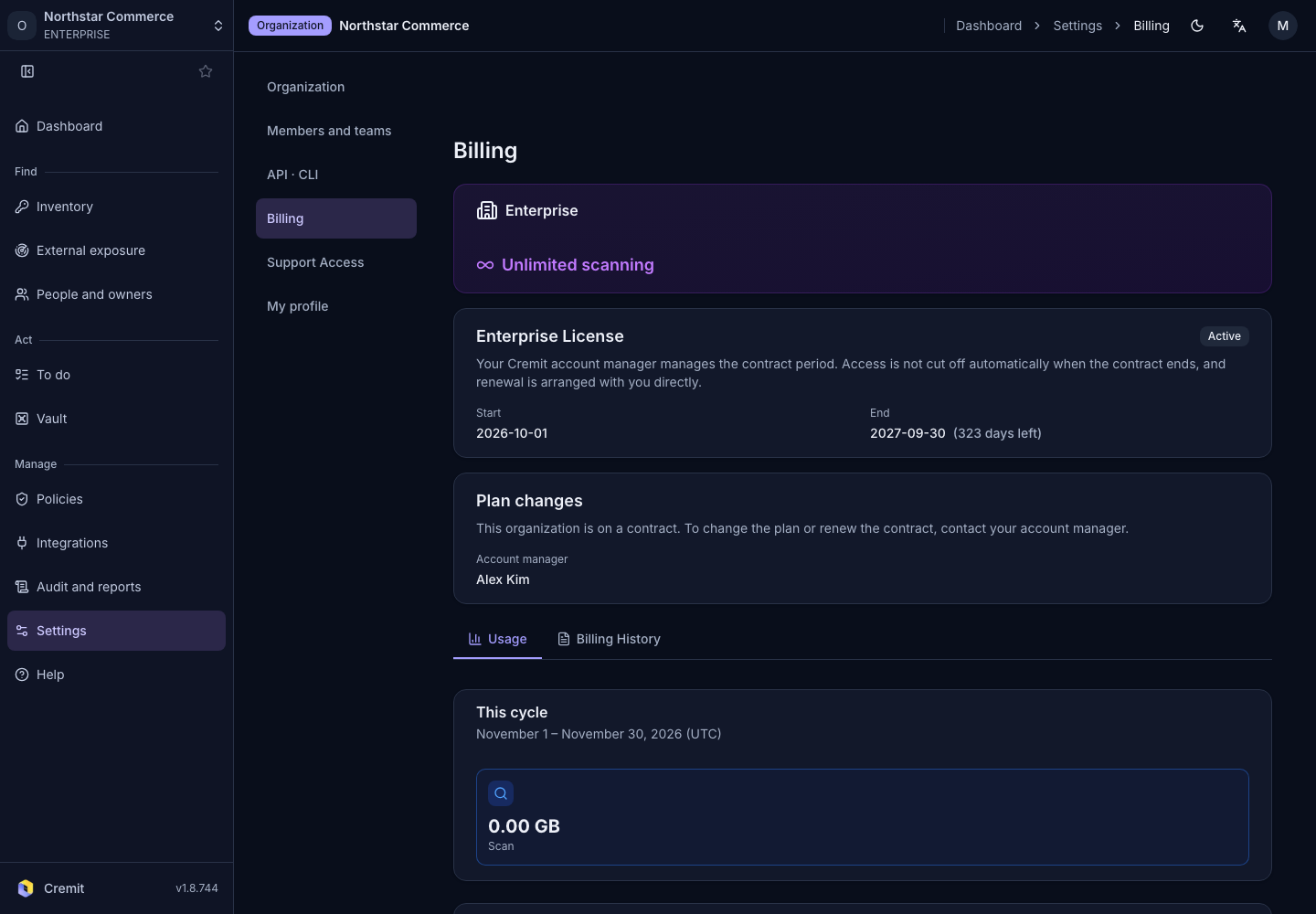
Review billing
- Open Settings › Billing.
- Review the current plan and payment status.
- Check the displayed usage metrics.
- Open the relevant record in billing history.
Read the metric and period together when reviewing usage. Check the amounts shown and your contract before making plan or payment changes.
If you cannot access billing, ask the organization owner to review it.