Audit and reports
Audit log
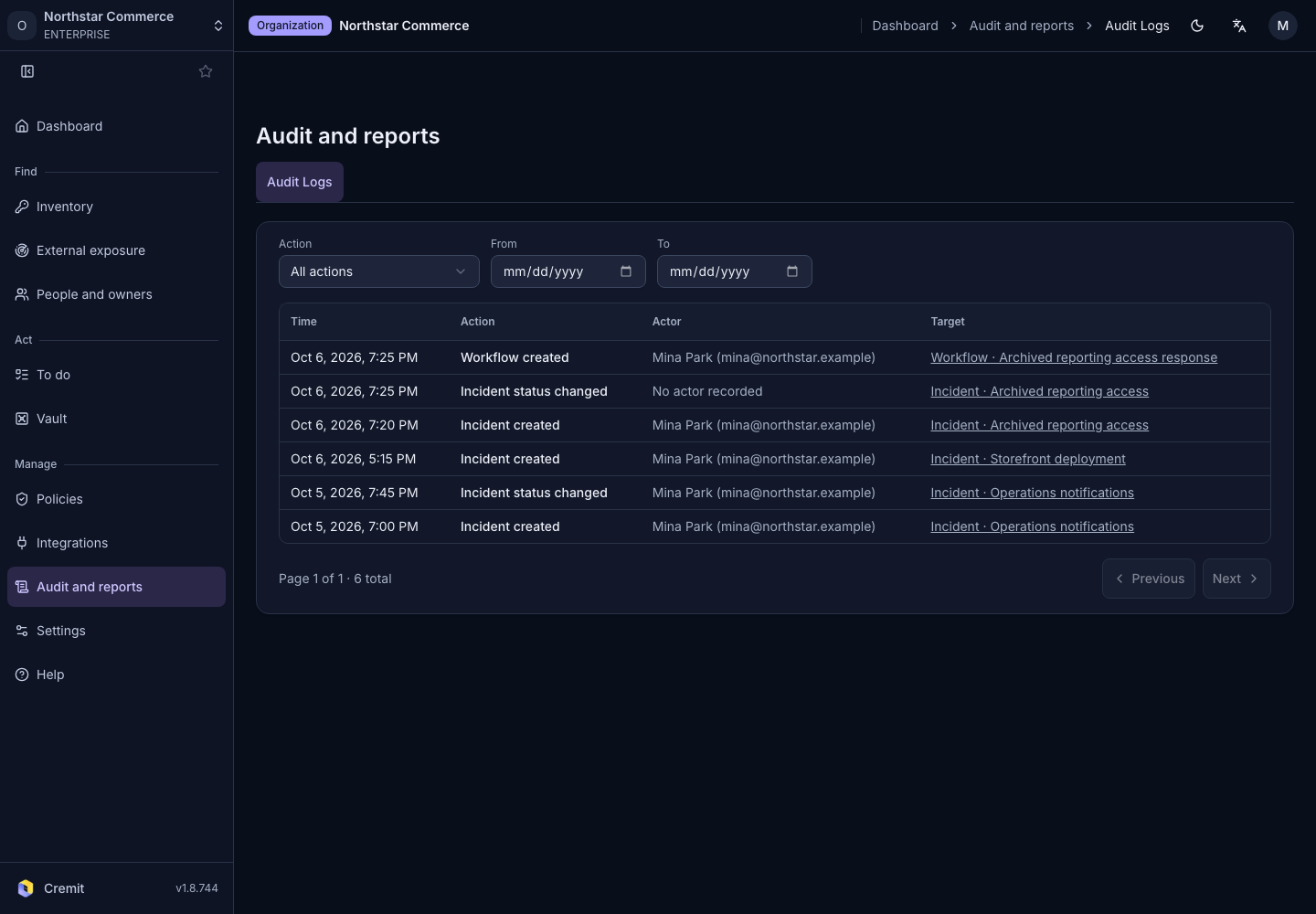
Find organization audit records by action and date.
Find a record
- Open Audit and reports › Audit Logs.
- Choose an action in Action.
- Set the range with From and To.
- Review the time, action, actor and target.
Expand Show identifier when a display name is insufficient to identify the target. Deleted targets or unavailable actor information may be identified as such.
Clear the filters
Select Reset to clear the filters. Use Next for more records. If no results appear, check the date range and action type.