Integrations
Jira tickets
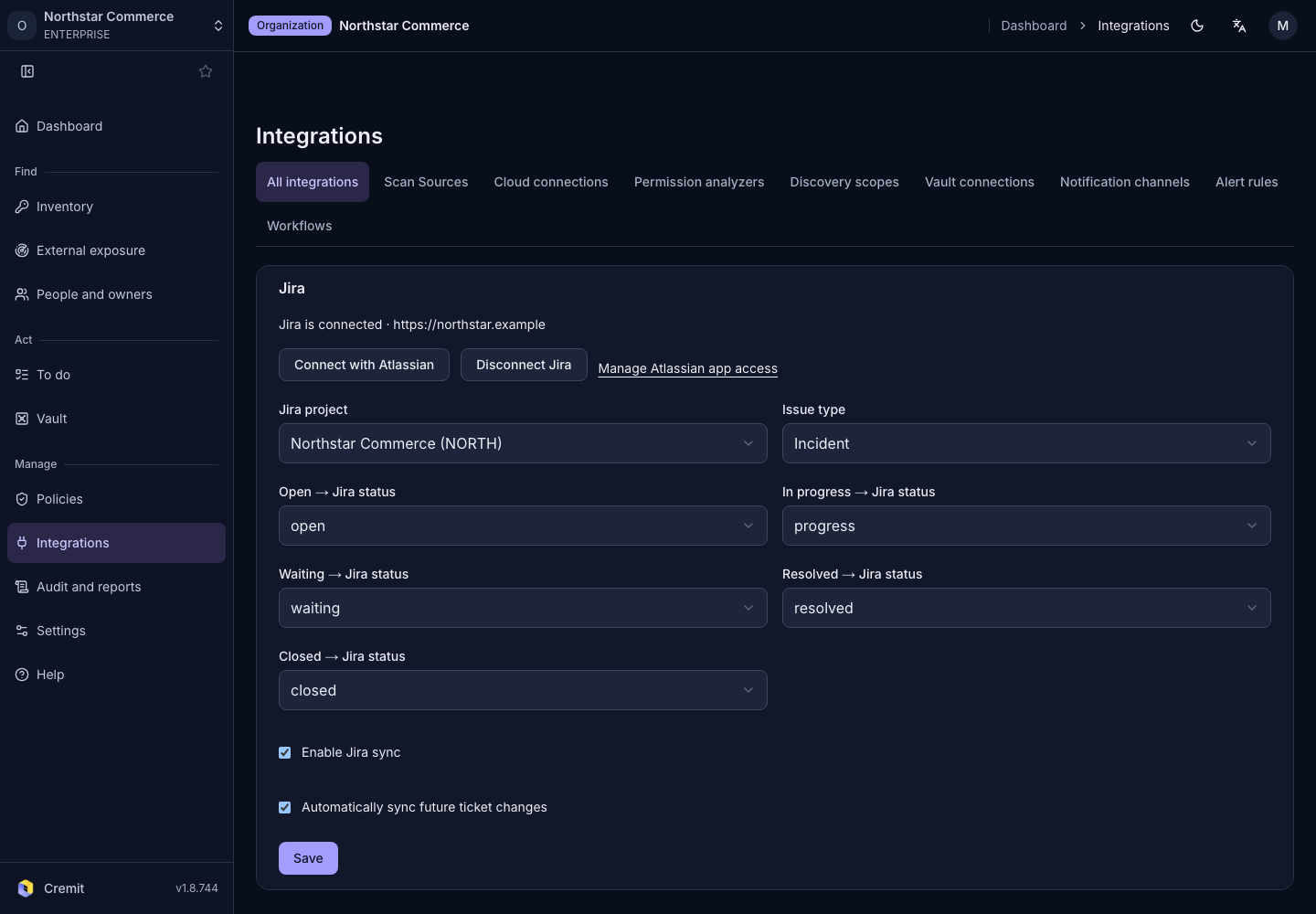
Connect Atlassian and select the Jira project and issue type for incident tickets.
Connect Jira
- Open Jira from All integrations.
- Select Connect with Atlassian.
- After Atlassian authorization, choose Jira Cloud site.
- Select Use this site.
- Choose Jira project and Issue type.
- Configure the required status mapping and enablement.
- Select Save.
An organization owner or admin configures this connection. Reauthorize when prompted.
Review incident tickets
Open an incident to review its ticket information. This connection is separate from Jira scanning.