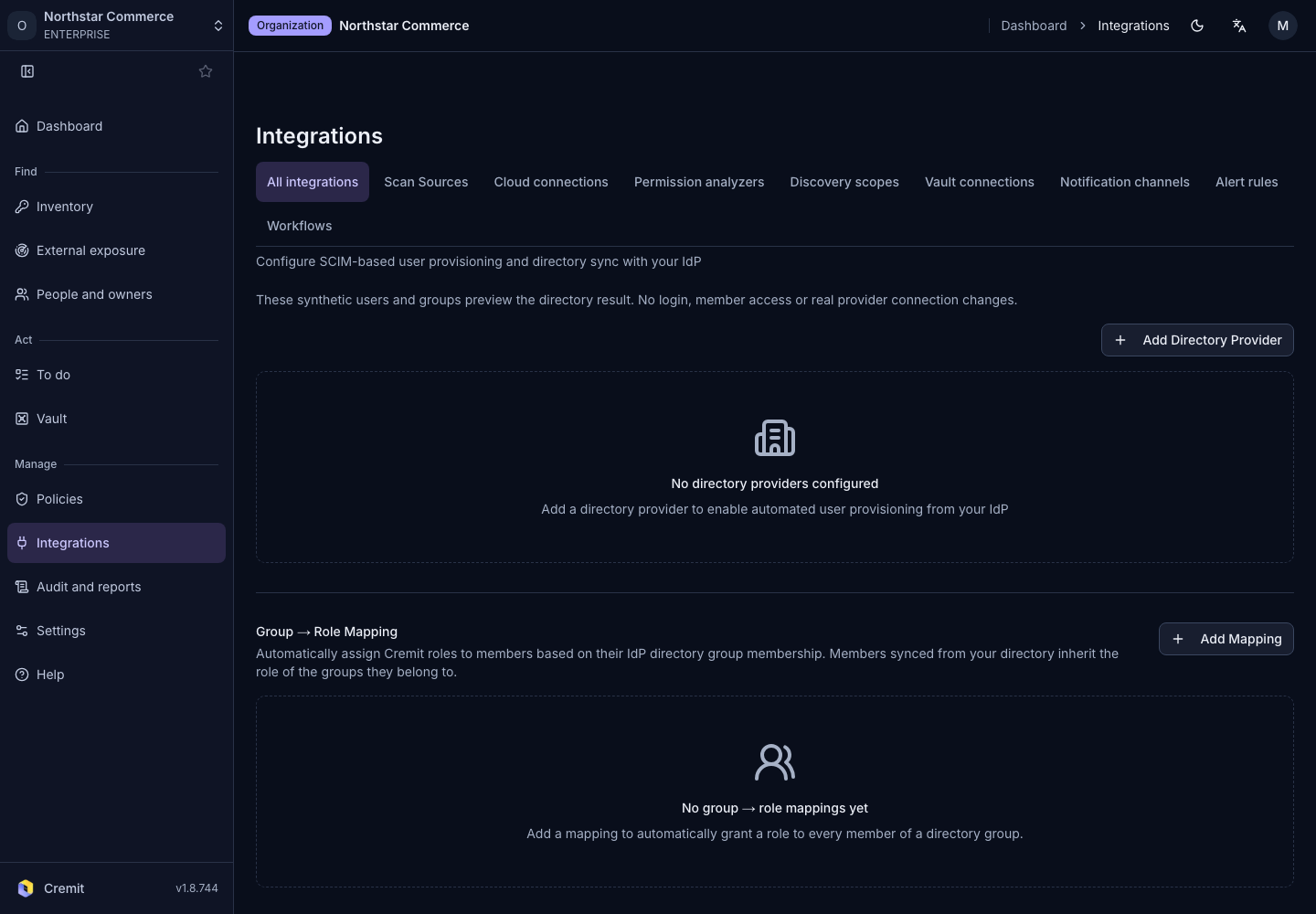
Integrations
Google Workspace directory sync
Authorize Google Workspace access and review API-based directory synchronization.
Create a provider
- Open Directory sync from All integrations.
- Select Add Directory Provider.
- Enter Provider Name.
- Choose Google Workspace in Provider Type.
- Select Create.
Verify synchronization
In Google’s authorization window, review the directory account and requested permissions. Open the created provider, run synchronization and check users, groups and the latest sync result. Google Workspace uses API Pull; this flow does not ask you to enter a SCIM token.
See the official documentation for setup and permissions. Directory inactivity and secret revocation are separate states. Review an inactive user's secrets with the current responder and issuing service.