ProductOffboarding detection
An inactive account does not tell you what happened to its keys.
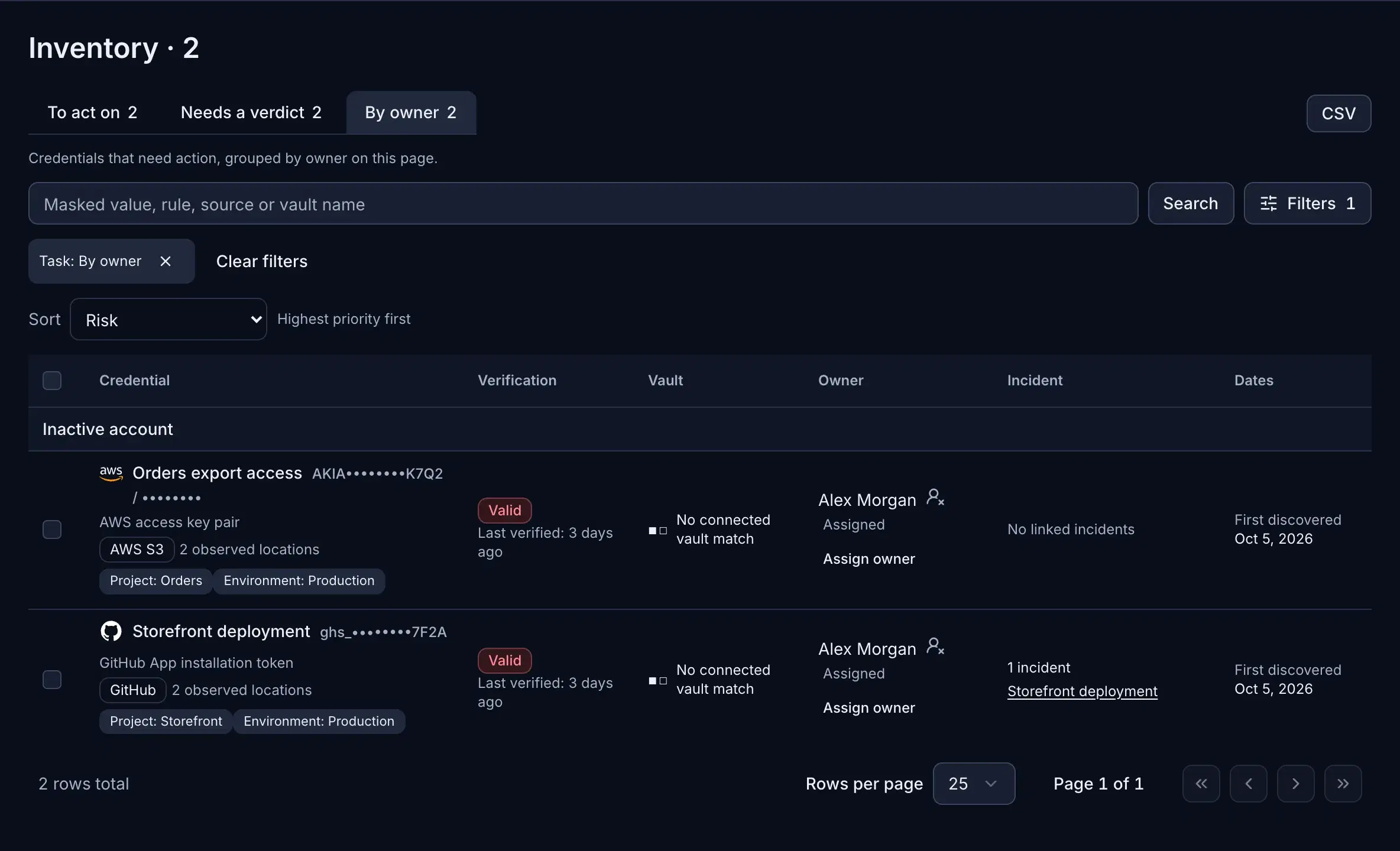
When a directory account changes status, review the credentials found in connected sources. The author may be a clue; a current responder and the key’s issuer status need separate confirmation.
- IT operations
- Security engineer
- New owner
Who does the work
The people this feature hands work to, and what each of them does with it.
IT operations
Keeps the directory current; an inactive account is where the review starts.
Security engineer
Reviews the live keys linked to that account and decides what is at risk.
New owner
Takes over the keys that are still needed and retires the rest at the issuer.
Three separate checks
A directory signal starts the review. It does not finish it.
Directory account
SCIM or Google Workspace can supply an inactive status for a matched account. Confirm what that status means in your organization.
Credential finding
A source author or suggested owner links a detected credential to a person. It may differ from the person responsible for the service today.
Current action
Assign a responder, inspect available validity and issuer context, then record the decision to rotate, revoke, or reassign.
From account change to a responsible action
If a sensitive key is clearly exposed, contain it at the issuer without waiting for a perfect ownership history.
01
Confirm the account status
Sync directory status through SCIM or Google Workspace. Check whether the account was disabled because of departure, a temporary change, or another reason.
02
Review the linked finding
Inspect the connected source and its author information. Treat the suggested owner as a candidate until someone confirms who operates the service now.
03
Assign and contain
Name the current responder. If a sensitive key is clearly exposed, arrange rotation or revocation at its issuer without waiting for a complete ownership history, and update dependent services.
04
Check and record the result
Use validity results only for supported types. For AWS access keys and GCP API keys, review available permission context with the required integration; check issuer records for actual use. Record the action and recheck supported key status.
Questions during a handoff
Does disabling a user account revoke their API keys?
It depends on how the issuer manages those keys. Confirm each credential’s state at its issuer; do not infer it from directory status.
Is the commit author the current owner?
Not necessarily. Authorship describes a source event. Confirm the current service operator and assign the responder explicitly.
How do we prove a key was retired?
Record the issuer-side change and affected service update. For supported types, compare the next validity result; consult issuer logs for use and revocation evidence.
Review a real handoff
Start with one finding linked to a changed account. Identify its source, issuer, service dependency, and current responder before closing it.