Integrations
Alert rules
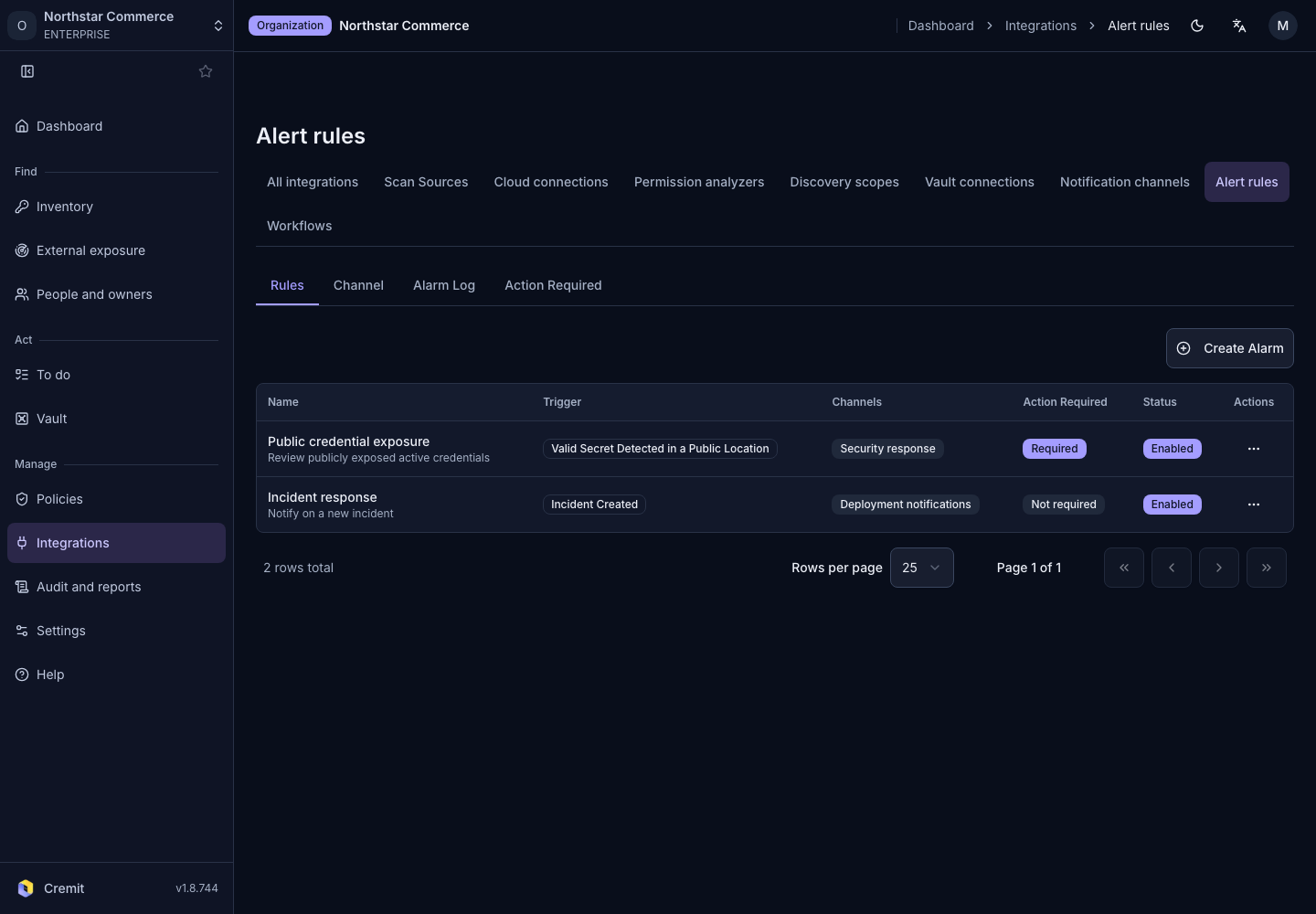
Configure an alert rule with event conditions and destination channels.
Review a rule
- Open Integrations › Alert rules.
- Select Create Alarm for a new rule, or open an existing rule to edit it.
- Configure the required conditions.
- Select a destination channel.
- Save and check whether the rule is enabled.
If no destination exists, first configure Slack notifications, Telegram or a webhook.
Verify delivery
After a matching event, check the delivery log and destination. Review rule enablement, conditions and channel connectivity together. A successful channel test and an event satisfying the rule are separate checks.