Settings
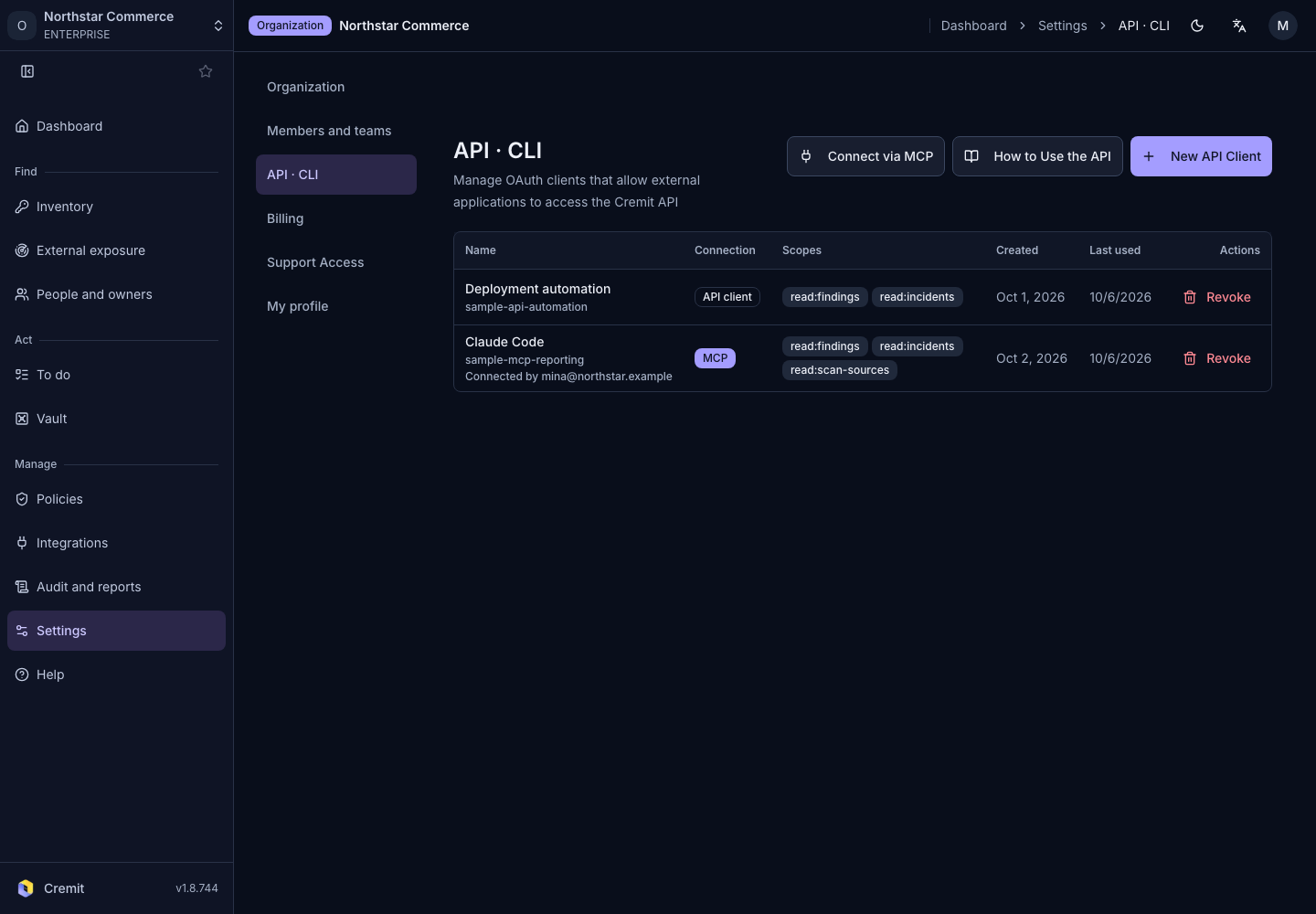
API, CLI and MCP
Create API clients and manage their scopes and connections.
Create a client
- Open Settings › API · CLI.
- Select New API Client.
- Enter Client Name.
- Choose Client Type.
- Select the required Allowed Scopes.
- Select Create.
Public clients require redirect URIs. If creation displays a secret value, store it securely before closing the dialog. Do not copy it into documentation or tickets.
Use or revoke a client
Open How to Use the API for API and CLI instructions. Use Connect via MCP for MCP connection instructions.
Review client type, scopes and last-used time in the list. For a client no longer in use, select Revoke and confirm.