Integrations
External exposure scanning
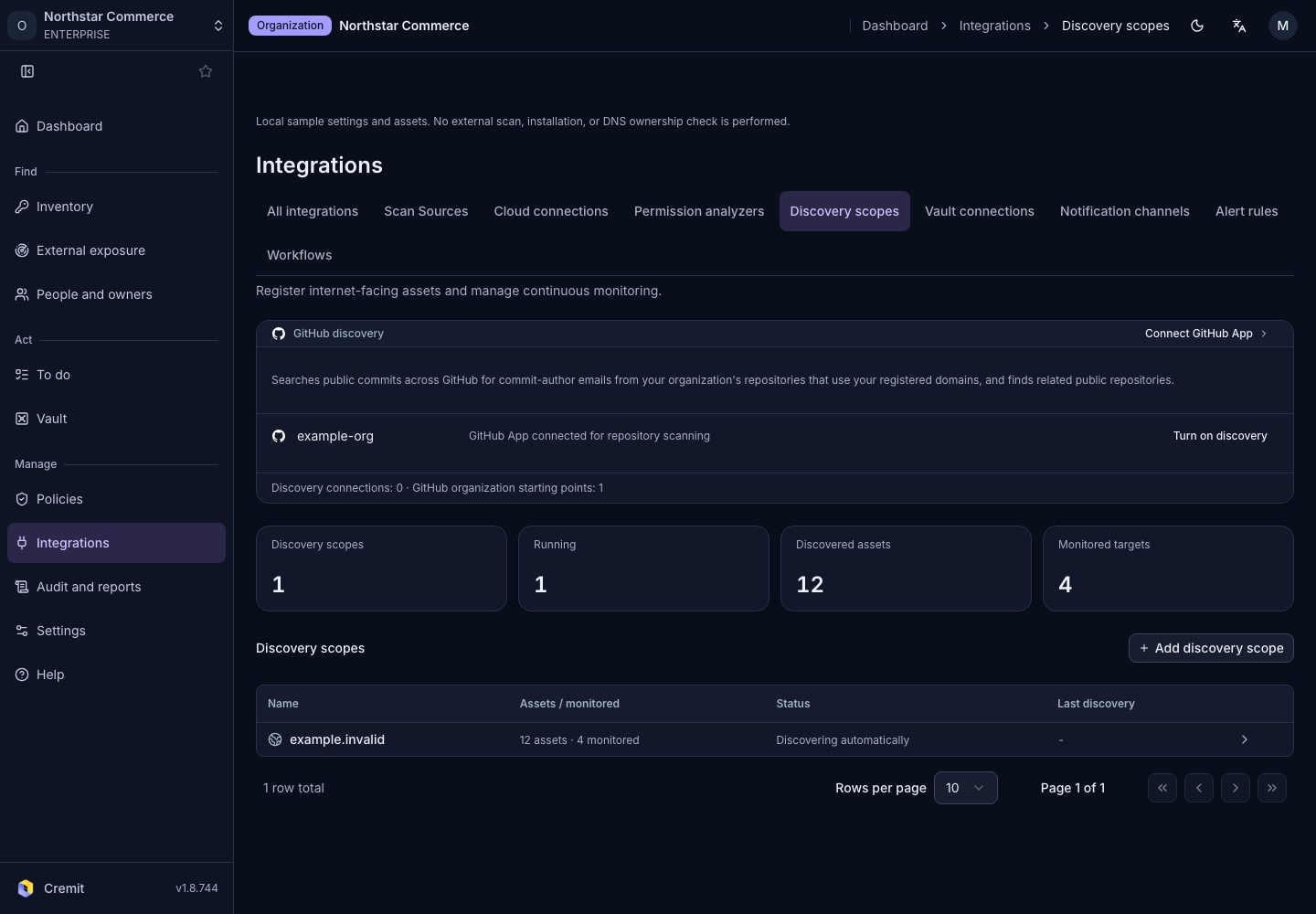
Register seed assets and a discovery interval, then review external asset discovery results.
Create a profile
- Open Integrations › Discovery scopes.
- Select Add discovery scope.
- Enter Name.
- Set Discovery interval.
- Choose Asset type.
- Enter Asset value.
- Select Create.
Review discoveries
Open the profile to review discovered assets and their disposition. Check ownership before deciding whether to manage a candidate. A partially completed scan does not establish coverage of the entire scope.
Use Internet-facing assets for a combined list. See Domain verification for domain ownership checks.