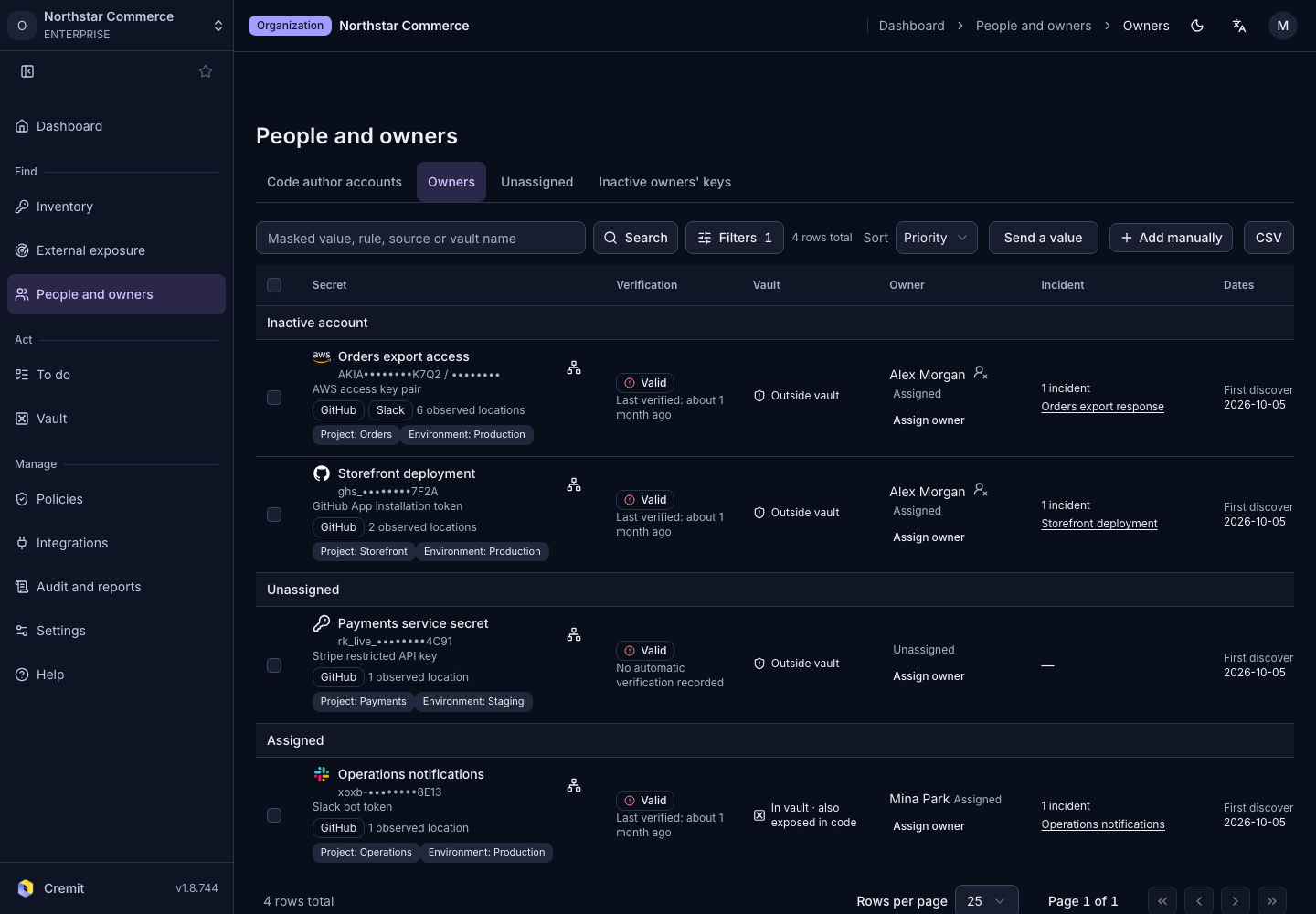
People and owners
Assign and confirm owners
Assign a secret owner and respond to ownership suggestions.
Browse by owner
- Open People and owners › Owners.
- Find the secret that needs an owner.
- Choose an organization member in the owner selector.
The code author and the person responsible for the service may differ. Confirm the current responder before assigning ownership. Changing an owner requires editing permission.
Respond to a suggestion
If you are an ownership candidate, the row shows That's me and Not me.
- Select That's me if you own the secret.
- Select Not me if you do not. This does not assign another person.
- Use Someone else when you know the responder and have permission to change the owner.
See Unassigned and departed-owner secrets for items that need follow-up.