Integrations
Cremit CLI
Find Cremit CLI authentication and local scanning instructions in the API usage guide.
Open the CLI guide
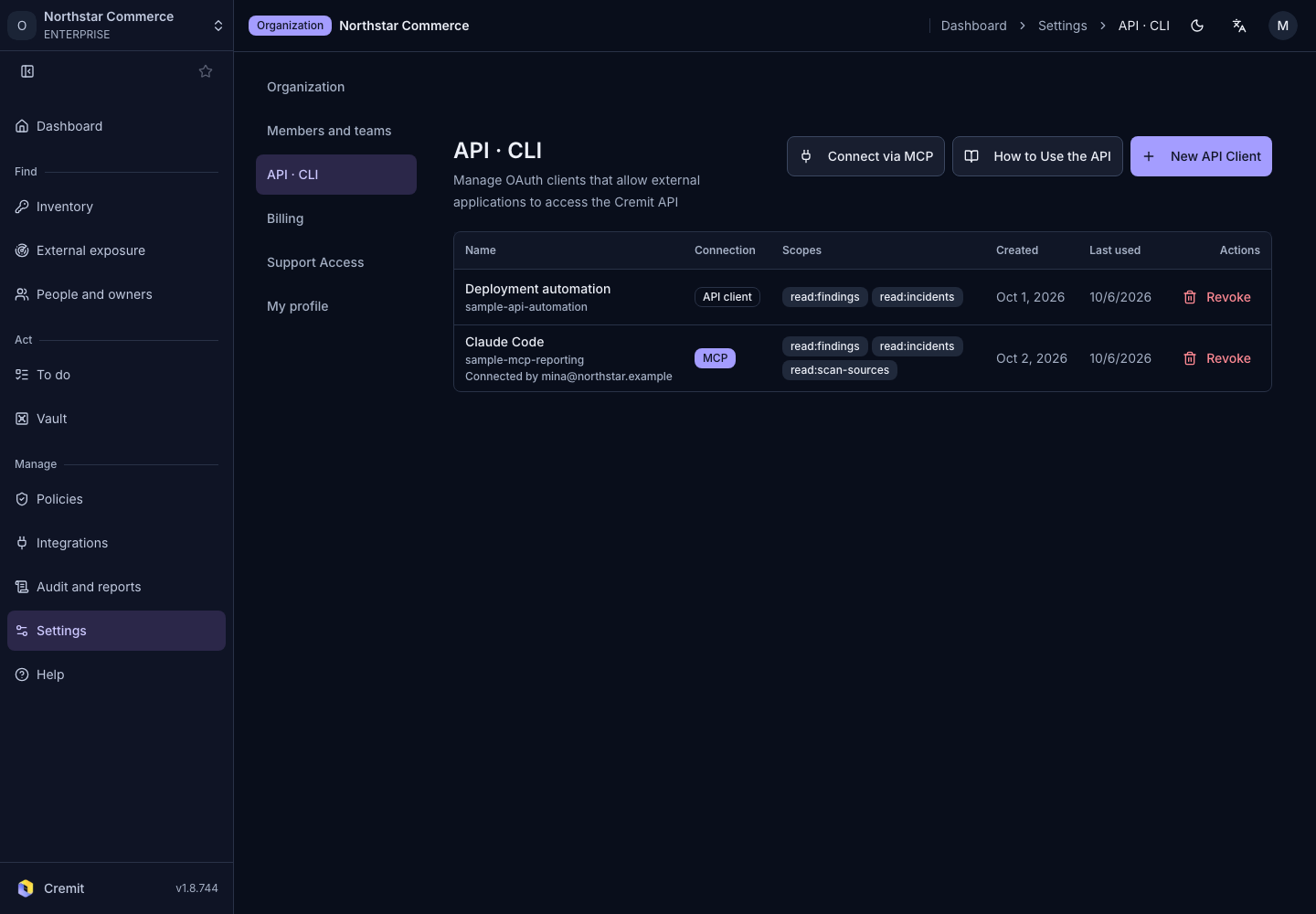
- Open Settings › API · CLI.
- Select How to Use the API.
- Review installation and authentication in the CLI instructions.
For operations that require an API client, select only the required scopes in API, CLI and MCP. Keep secret values out of command history and shared documentation.
Use the commands and supported operations in the current on-screen guide. Connecting the CLI alone does not add a remote scan source.