Integrations
Customer-managed KMS keys
Register a customer-managed KMS key and review AWS setup and verification.
Review a key connection
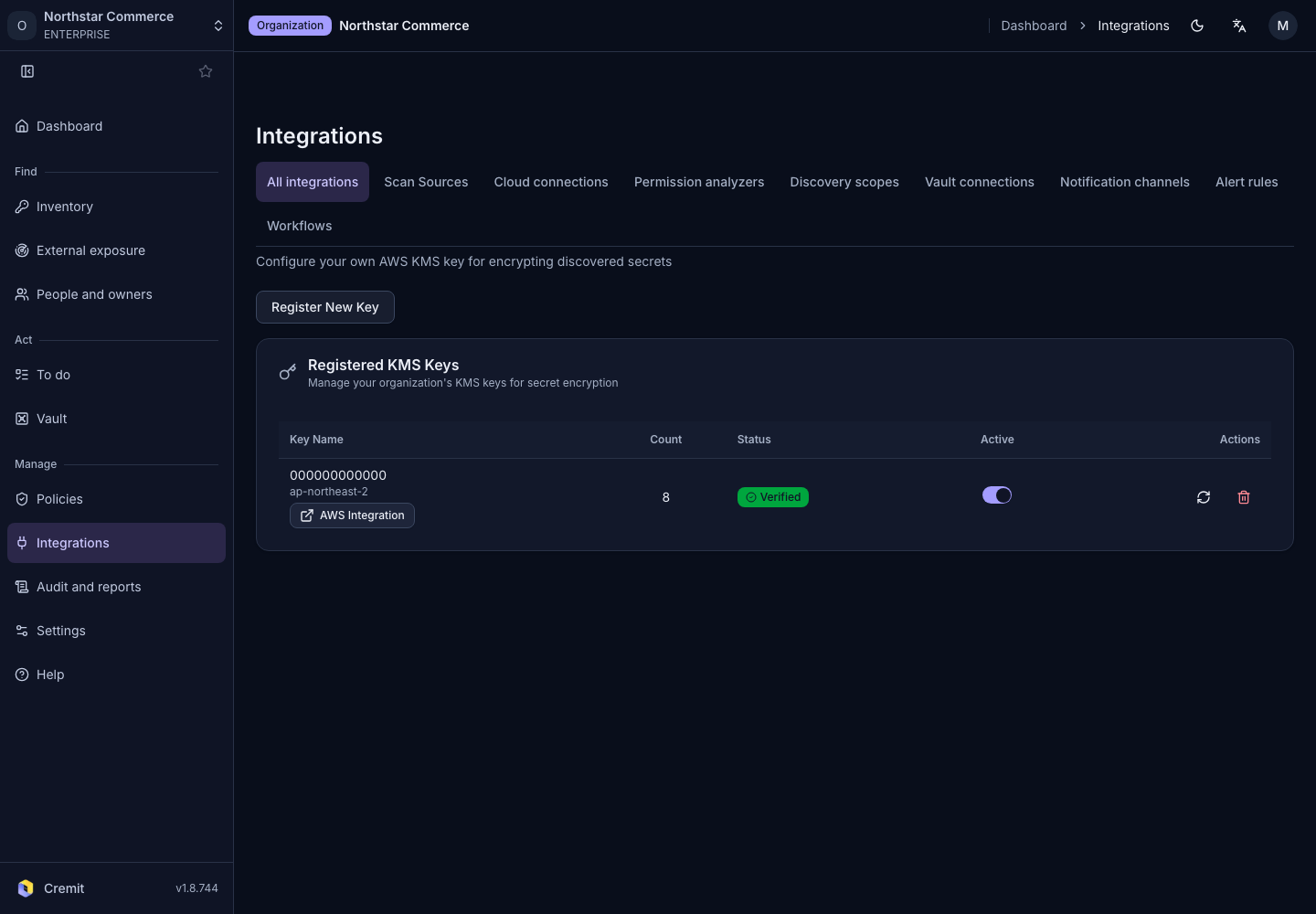
- Open KMS (BYOK) from All integrations.
- Review connected-key status.
- Select Register New Key.
- Enter AWS Account ID and Region on the registration page.
- Select Register KMS Key.
- Review and deploy the generated CloudFormation setup in AWS.
- Return to Cremit and check registration and verification results.
See AWS’s official procedure. For access problems, review related feature errors and key state together. Check the impact before changing access to a key in use.