Settings
Your profile
Manage your name and email preferences.
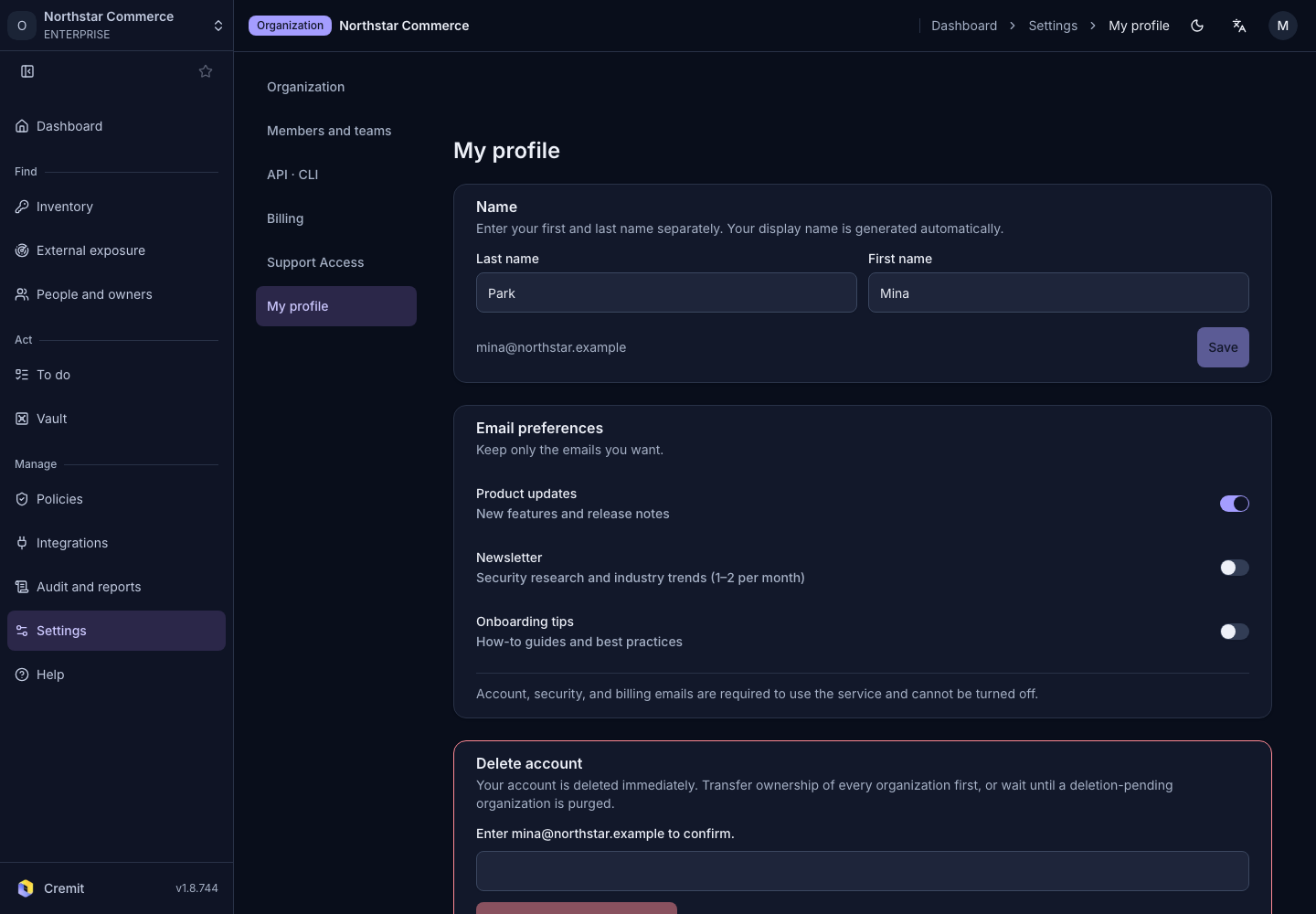
Change your name
- Open Settings › My profile.
- Edit Last name and First name.
- Select Save.
Email preferences
Choose the messages you want under Email preferences. Security and account-operation messages may be sent separately from these preferences. Review the note on screen.
Delete your account
Read the explanation under Delete account. Enter the requested email confirmation and select Permanently delete account. If deletion is blocked, resolve the displayed reason and complete any required organization administration first.