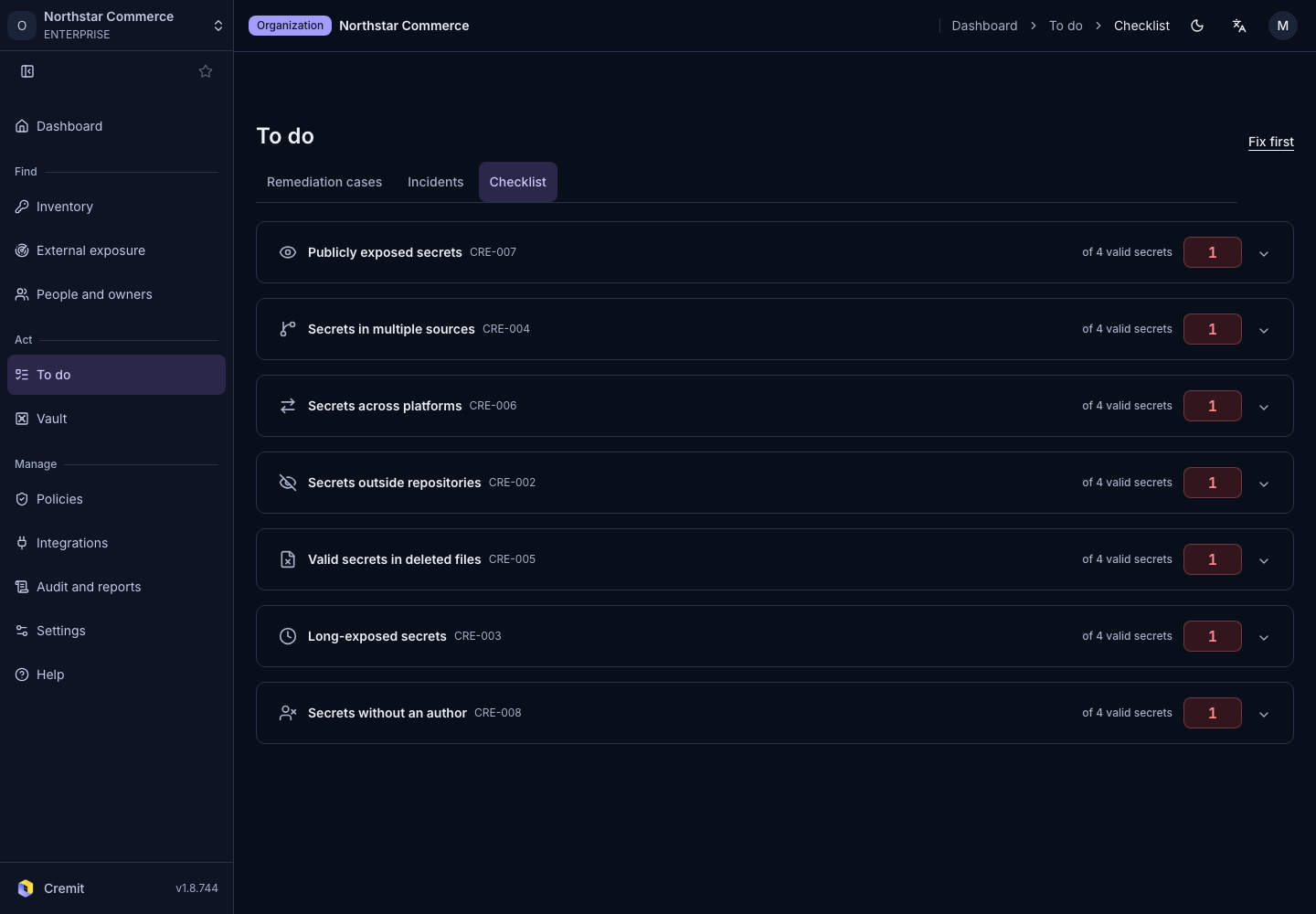
To do
Checklist
Expand checklist categories to investigate related secrets.
Review the checklist
- Open To do › Checklist.
- Expand a category that has results.
- Select a secret to review its details.
- Check its owner and next action.
The checklist groups situations such as keys found across sources, aged keys and public secrets. Read each category's description for its criteria. A secret can match more than one category.
When there are no live secrets to assess, the page displays No confirmed-valid secrets to check. This does not establish that every source has been scanned. Check source connections and scan status in Integrations overview.