Integrations
Workflows
Configure workflow events and actions, then review execution results.
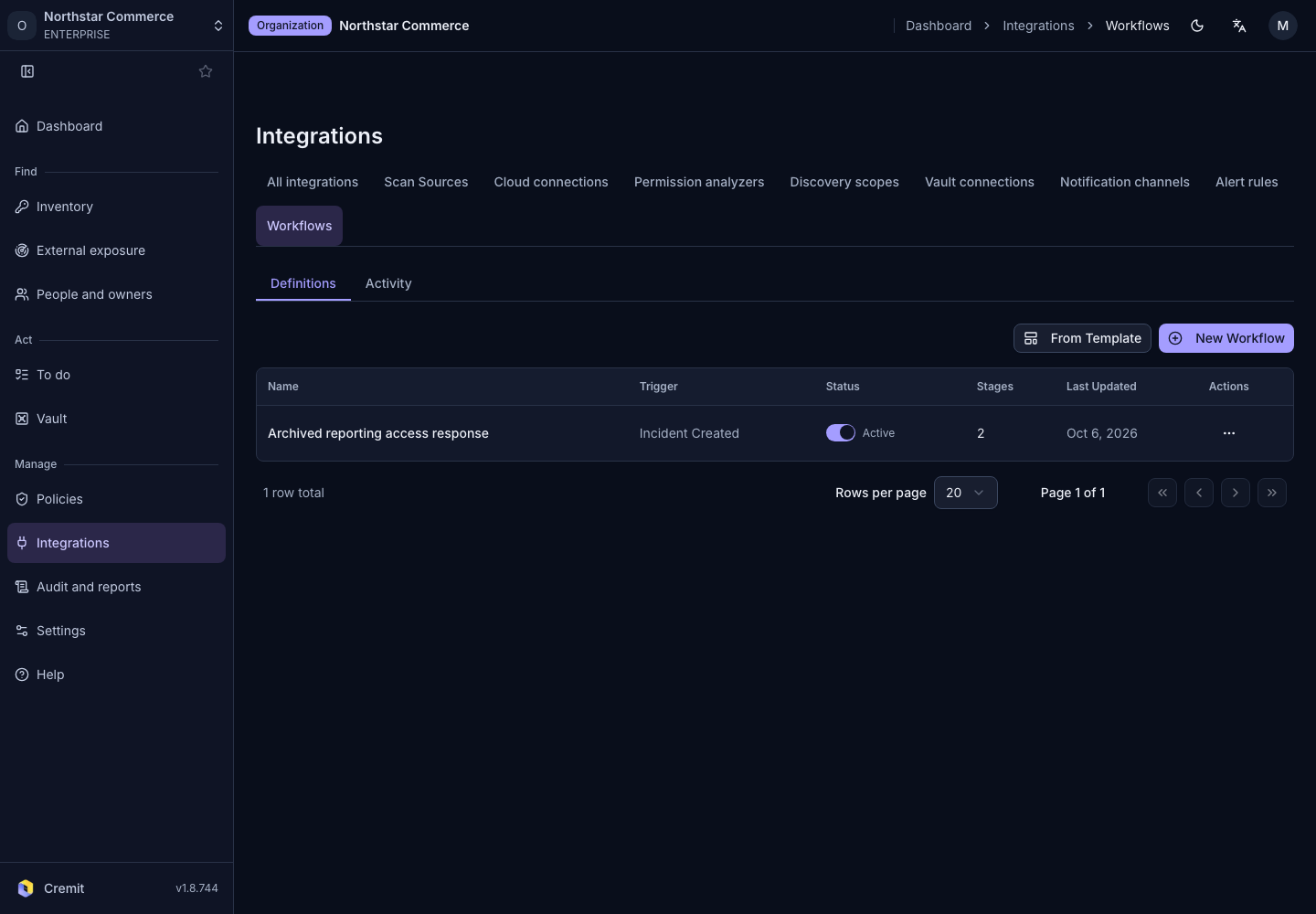
Create a workflow
- Open Integrations › Workflows.
- Choose From Template or New Workflow.
- Review the triggering event and conditions.
- Configure the actions and destinations for each stage.
- Save and review the enablement confirmation.
The list shows the trigger, enabled state and stage count. Available actions may depend on your permissions and plan.
Review execution
Use execution history to check how far a run progressed. For notification actions, also review destination connectivity. Saving a workflow and executing it for a real event are separate checks.