Settings
Members and teams
Manage organization members, roles and teams.
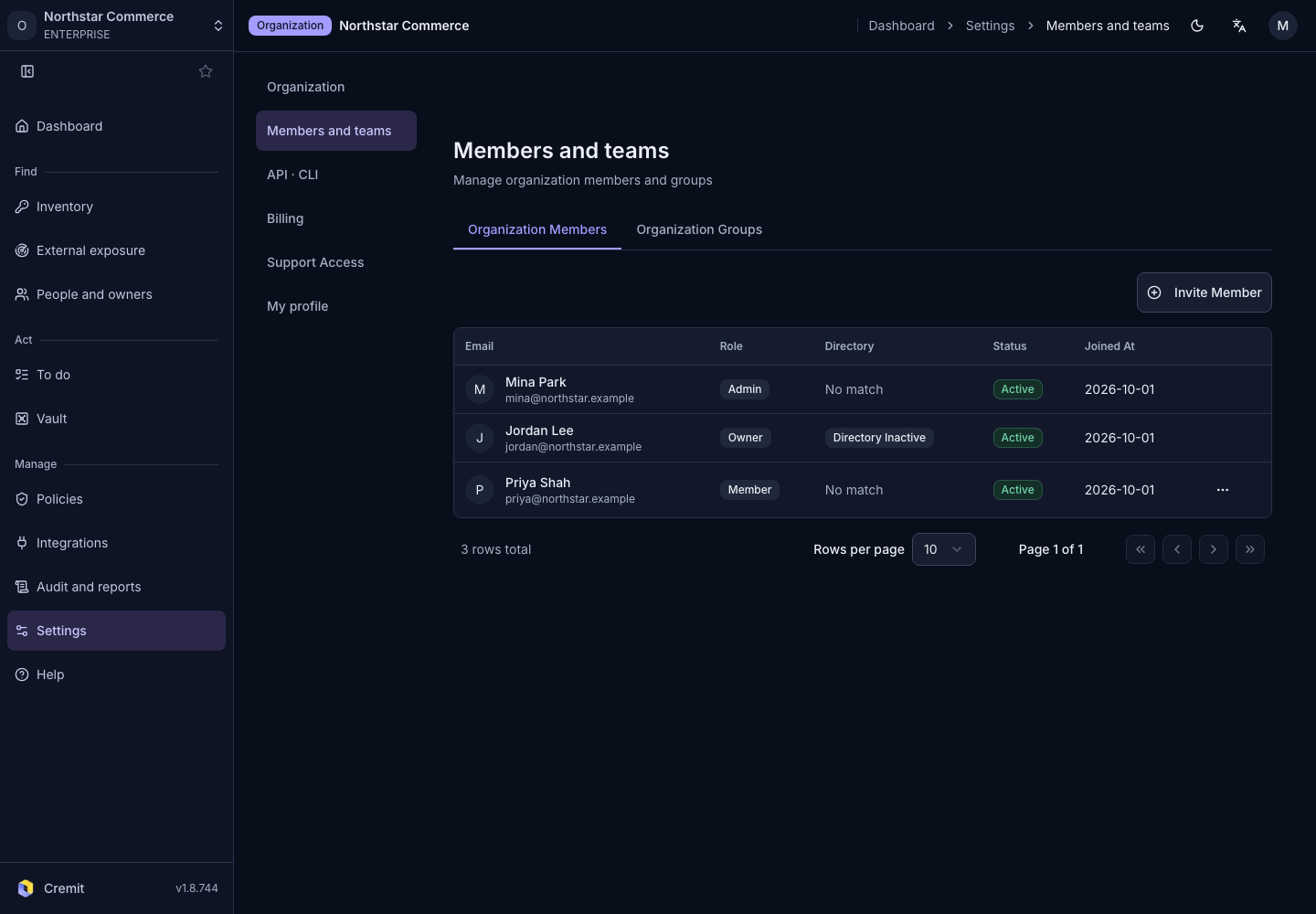
Review members
- Open Settings › Members and teams.
- Review organization members and their roles.
- Open the action menu for the member you want to update.
Invitations and role changes are available only with the required permission. Review Roles and permissions before inviting someone.
Manage teams
Create a team from the team list or open an existing team to manage its members. Team membership changes can affect access to secrets shared with that team. Also review team access rules in Share a secret.
Discovered code authors are separate from organization membership. Review them in Code author accounts.