Settings
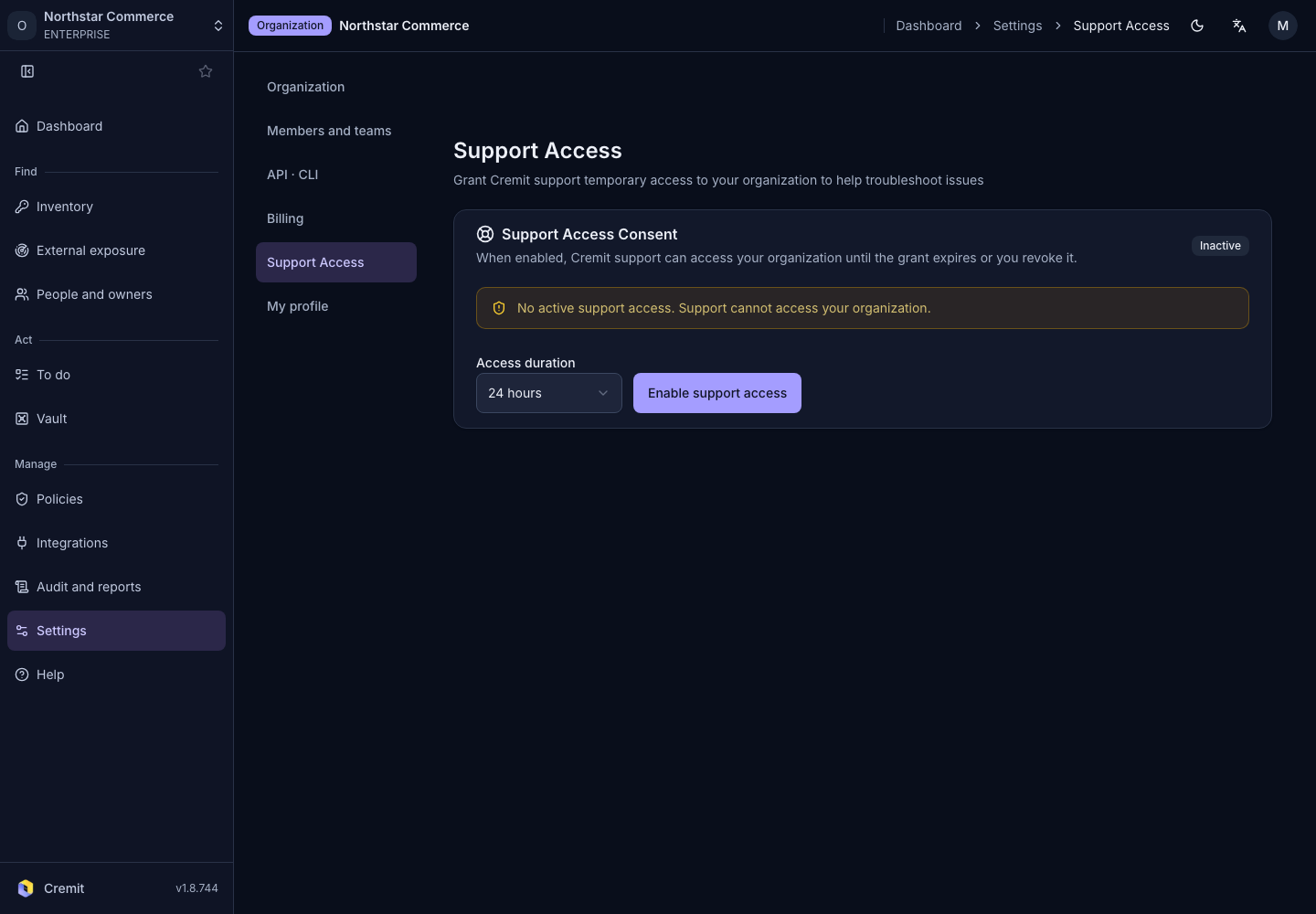
Support access
Set the duration of support access and revoke an active grant.
Grant support access
- Open Settings › Support Access.
- Review the current grant state.
- Choose Access duration.
- Select Enable support access.
An active grant displays its expiration time. Grant and revoke actions appear only with the required permission.
Revoke access
- Review the active grant and its expiration time.
- Select Revoke now.
- Confirm the state has changed.
Review related records in Audit log.