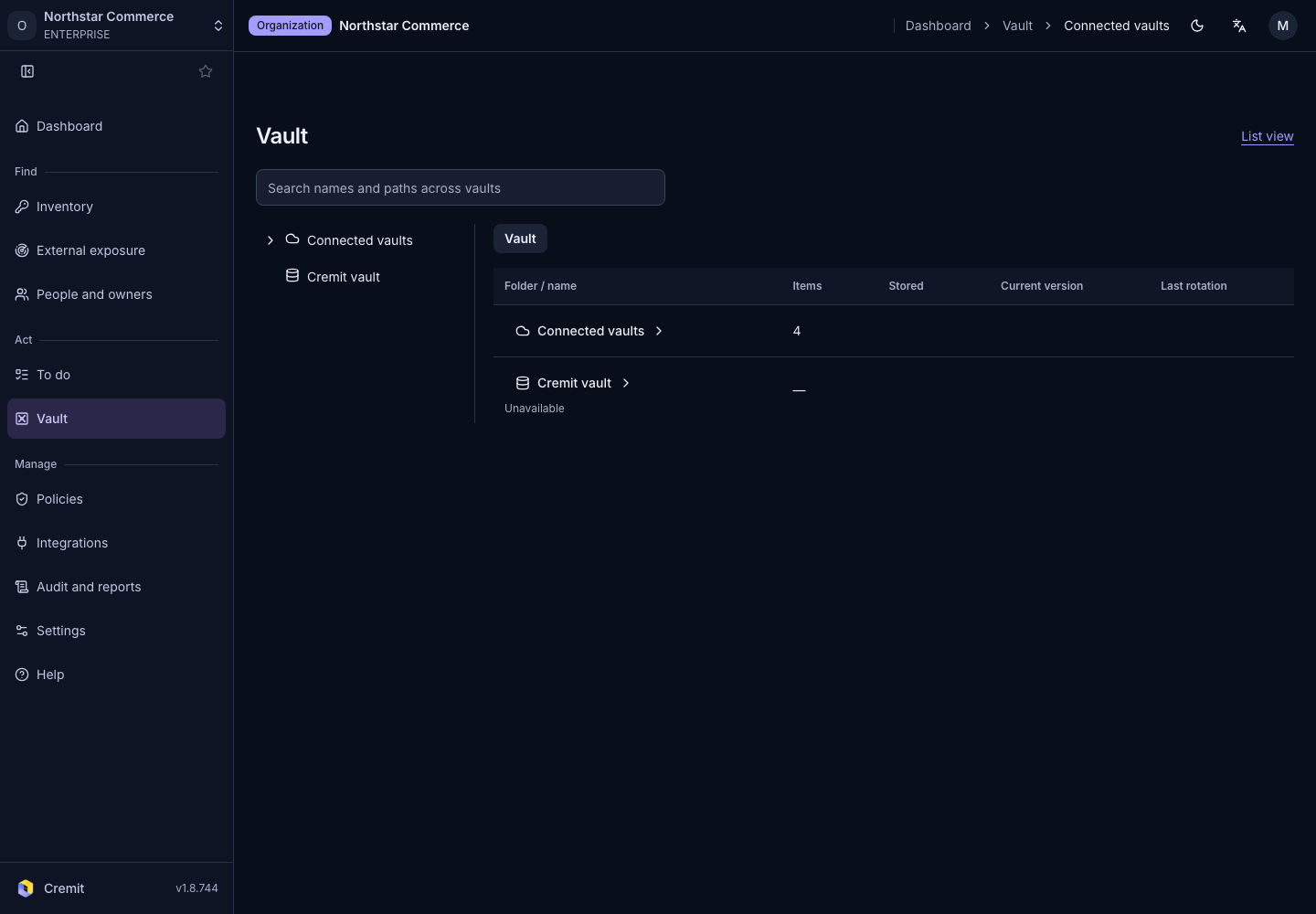
Vault
Connected vaults
Find secrets from connected vaults in the inventory.
Find items by connection and folder
- Open Connected vaults under Vault.
- Select the Connected vaults root in the tree.
- Open the connection you want to inspect.
- Follow folders and paths in the Folder / name column.
- Select a secret to inspect its details.
The table shows Folder / name and Summary columns. The roots include Connected vaults and Cremit vault. Review each root's availability and open items you have access to.
Search by name or path
Enter an item name or path in Search names and paths across vaults. Check the connection and path in the results before selecting an item. Use Clear search to return to folder browsing.
The List view link opens the item list. Vault storage and exposure in code are separate facts; also review discovery locations and verification state in the secret detail.
When a connection cannot load
Pending verification or failure does not mean a vault is empty. Read its status, then use Connection settings to inspect the connection if your role permits it. Use Retry for errors that can be retried.
See AWS Secrets Manager and AWS SSM Parameter Store for connection setup.