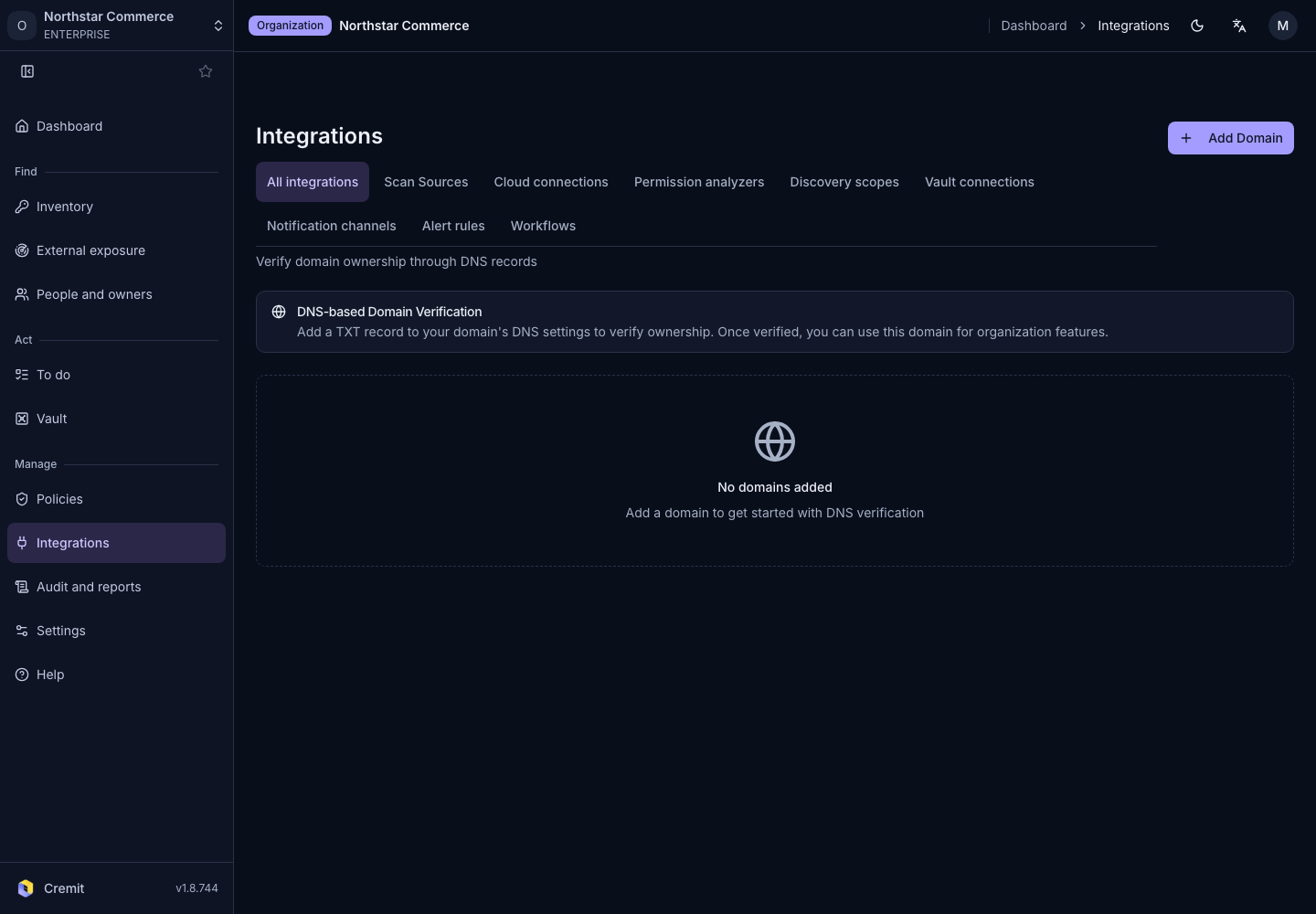
Integrations
Domain verification
Register a domain and verify organization ownership with a DNS record.
Register a domain
- Open Domain verification from All integrations.
- Select Add Domain.
- Enter Domain and register it.
Verify DNS
- Open DNS Setup Instructions for the registered domain.
- Give the displayed record type, name and value to your DNS administrator.
- Once the DNS record is available, select Verify.
- Check the verification state and time.
DNS changes may take time to propagate. Recheck the record name and value if verification fails. Domain verification and SAML configuration are separate steps.