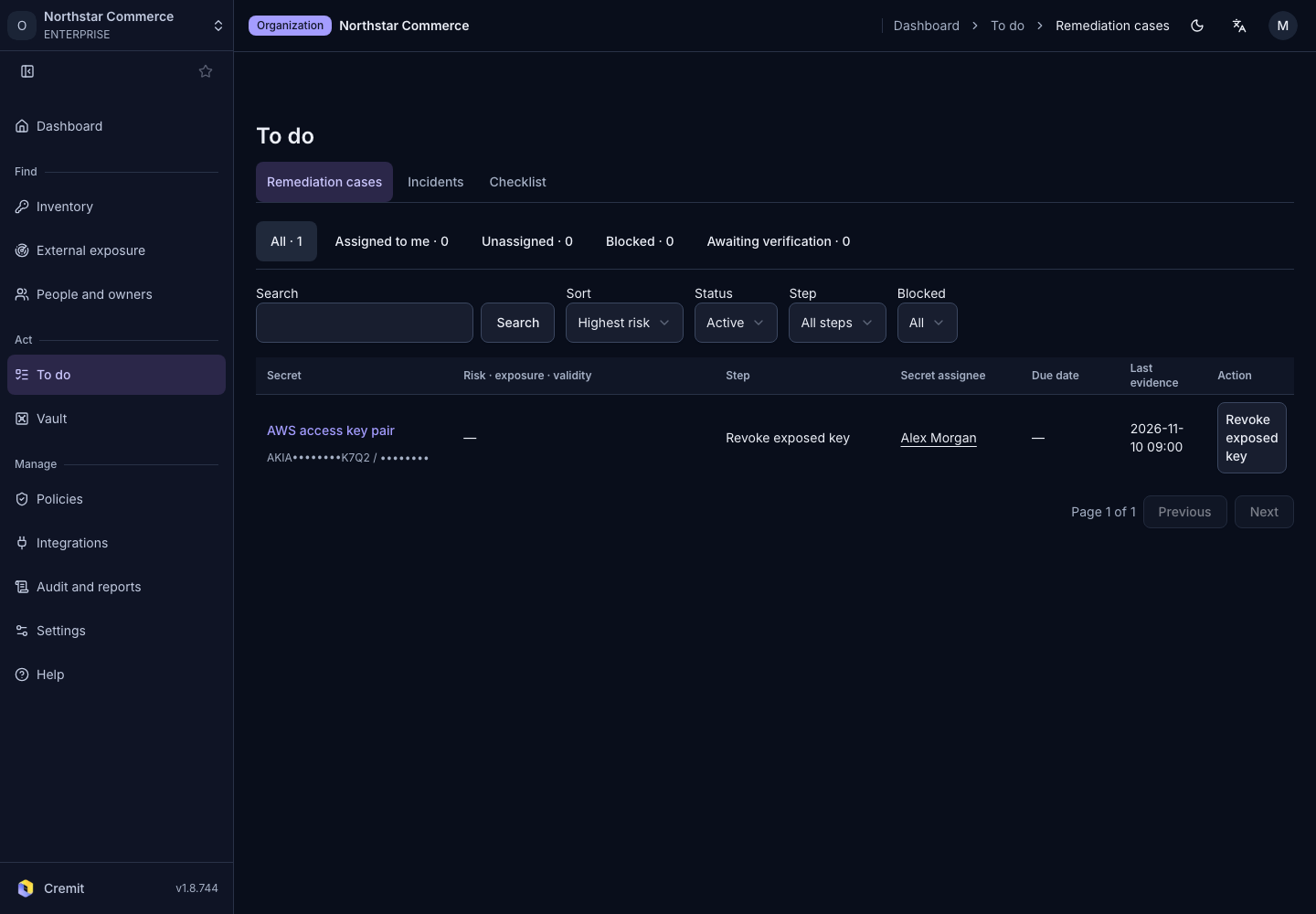
To do
Remediation cases
Find active remediation cases and review the next action.
Find active cases
- Open To do › Remediation cases.
- Select a secret from the list.
- Open Action · Storage · Operations in its details and review the case status and next action.
A case records remediation progress. Its state is separate from the secret's verification status. When a case is active, follow-up actions such as reverification may appear inside the case.
Read the evidence for each stage
| Stage | What to check |
|---|---|
| Exposure | Discovery locations and observation time. |
| Remediation | Revocation of the old key and its reverification result. |
| Vault storage | Evidence of a new version at the selected vault path. |
| Management | Assignment of a current owner. |
Finding the exposed value in a vault does not establish that a replacement has been stored. Do not treat an unverified stage as complete.
Continue remediation
- For a live secret that needs a new case, select Start remediation.
- If no destination is set, specify the vault and path requested on screen.
- Replace or revoke the key at its issuing service.
- Store the replacement at the selected vault path.
- Use Re-verify after revocation to check the old key again.
- If no owner is assigned, use Confirm owner to confirm the current responder.
The next action depends on existing progress and the secret type. Follow the current steps and evidence shown on screen.
Review the current step and the evidence requested on screen. After replacing a key, check dependent services and the old key's state. Resolve the displayed reason before using a disabled action.
See Needs action for the overall queue and Verification status for interpreting results.