Integrations
Webhook notifications
Create a webhook notification channel with a destination URL and request method.
Create a channel
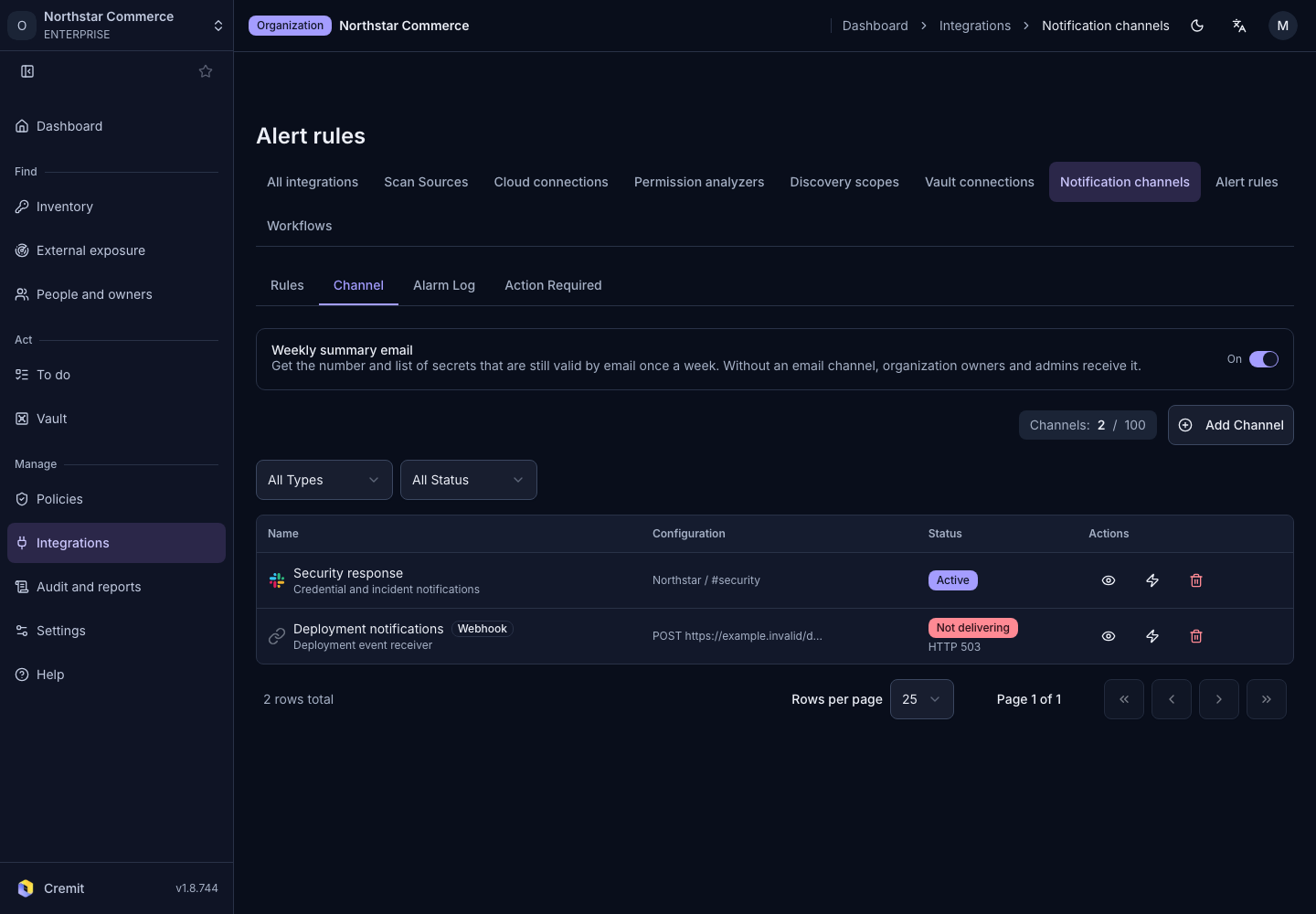
- Open Integrations › Notification channels.
- Open Add Channel.
- Select Webhook.
- Enter Name.
Enter Webhook URL. Choose HTTP Method and Authentication to match the receiver.
Finish the settings and select Create Channel.
Verify delivery
Select the channel as a destination in an alert rule or workflow. Creating a channel alone does not send every event. After a test, verify the actual destination and delivery record.