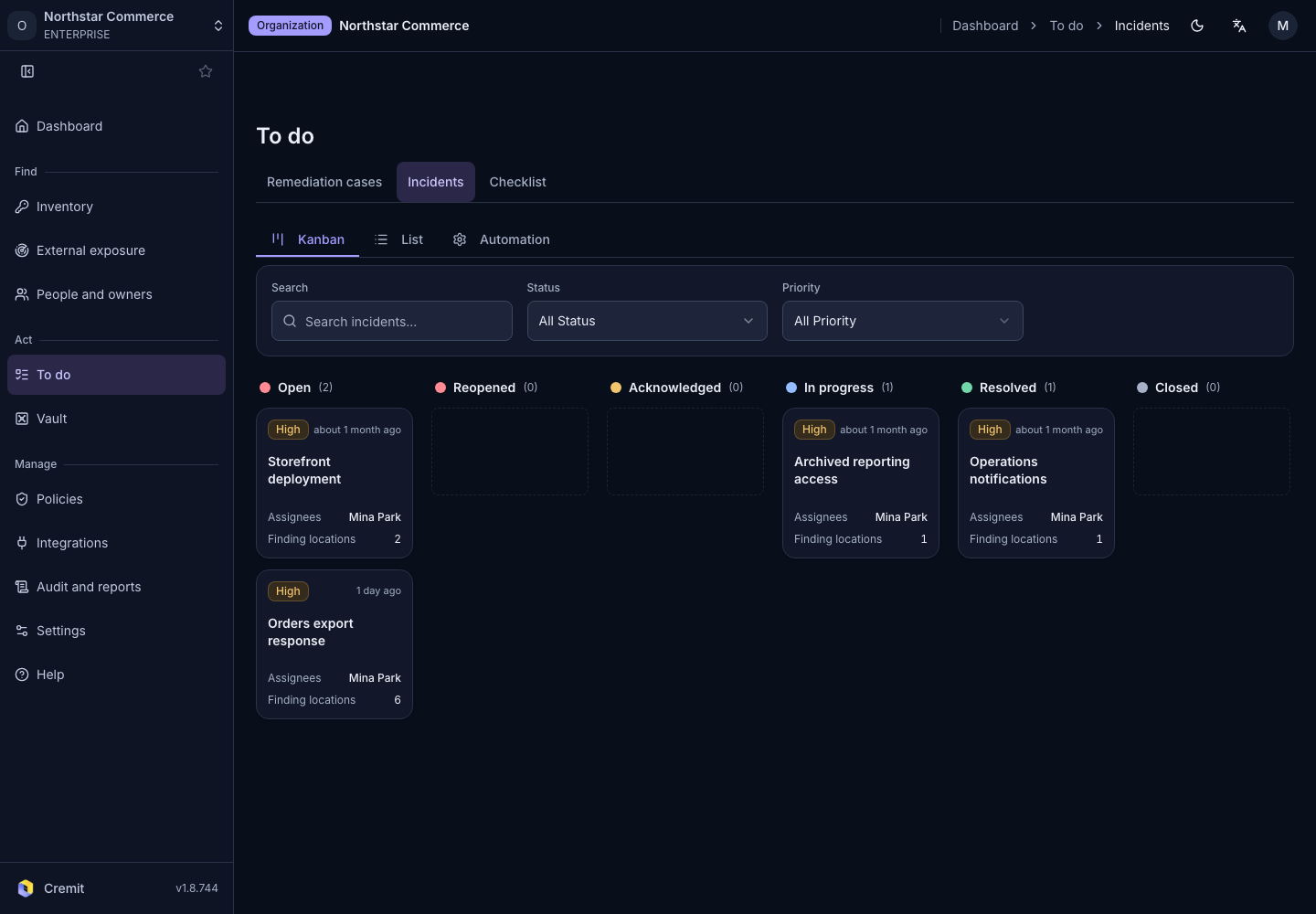
To do
Incidents
Review incidents in a list or board and open their details.
Find an incident
- Open To do › Incidents.
- Choose Kanban or List.
- Use the filters to find the incident.
- Select it to open its details.
Review status, priority, assignee and linked findings. Your role determines which fields you can change. Check the history after an update to share the current state with responders.
Work with tickets
When Jira is connected, incidents can be managed alongside external tickets. See Jira tickets for connection setup.
Use Automation to review incident automation. Creating a notification channel and configuring an automation rule are separate tasks.