Settings
Organization settings
Review and update organization information and sharing policy.
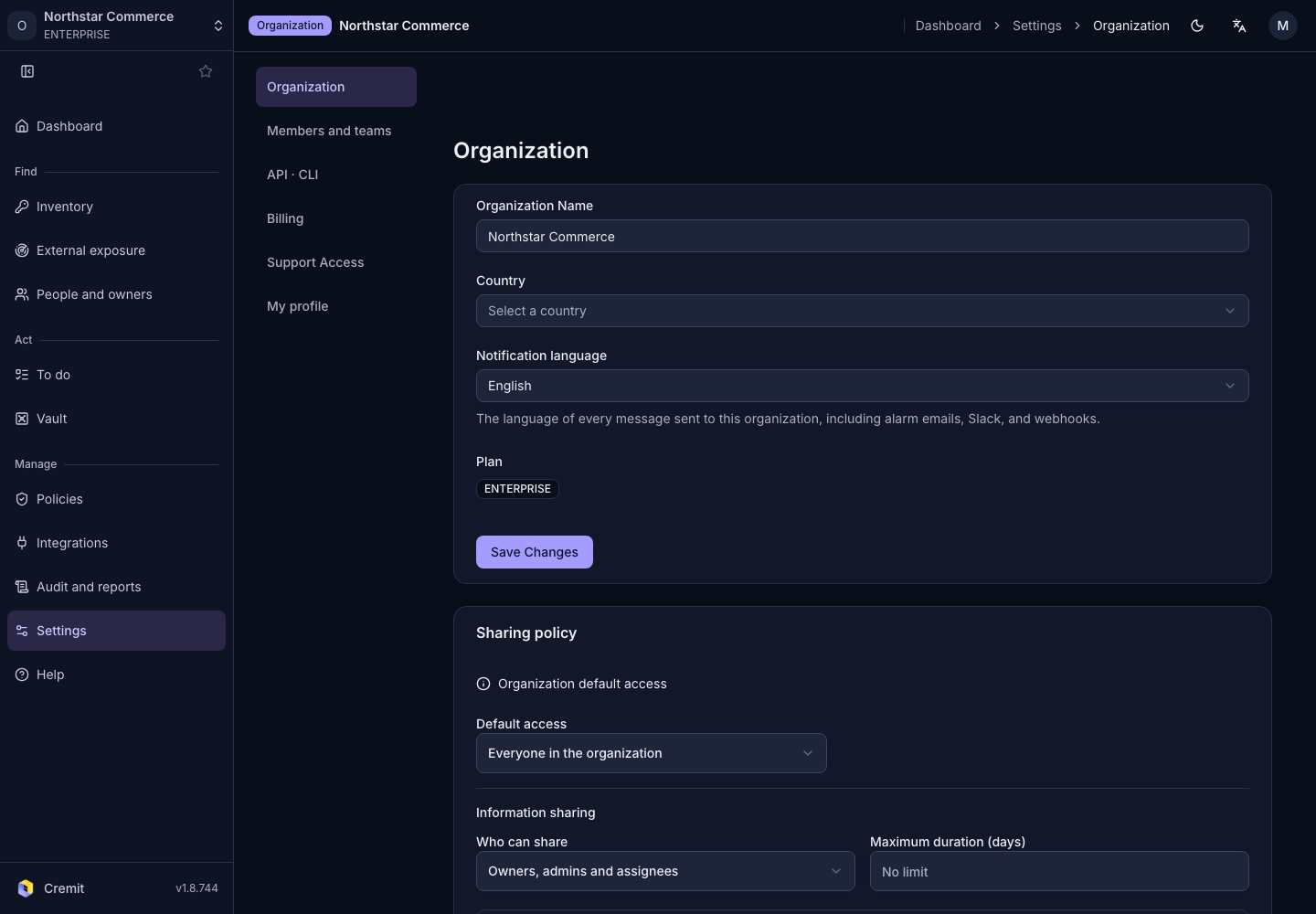
Update organization information
- Open Settings › Organization.
- Update Organization Name, Country or Notification language as needed.
- Select Save Changes.
Fields are disabled without update permission. The organization message locale controls the language of messages sent for the organization.
Sharing policy
Review information sharing, one-time links and team access rules on the same organization settings page. See Share a secret for the steps.
Ownership and deletion
Ownership Transfer and Danger Zone are visible only to the organization owner. Admin accounts cannot use these sections.
The organization owner can select a new owner in Ownership Transfer and complete the confirmation. Check the selected member and organization name before proceeding.
Organization deletion is available in Danger Zone. Review the effects shown in the confirmation before continuing.