The LiteLLM 1.107.0 Supply Chain Attack Started With a Key Deleted in May
On October 21, LiteLLM's own release pipeline published a credential-stealing 1.107.0 to PyPI and Docker. It started with an admin key committed to a public repository on May 27, deleted three hours later and never revoked. The attack path, what the build collected, what users should do, and what every team should check.

On this page(10)
What happened in the LiteLLM 1.107.0 supply chain attack?
At 11:39 UTC on October 21, 2026, seven LiteLLM 1.107.0 wheels were uploaded to PyPI. Seven minutes later the same build went out as Docker images tagged v1.107.0, latest, main-latest and main-stable. LiteLLM's own release pipeline built, signed and published it, and the build carried a credential stealer.
An outside developer reported it in a GitHub issue at 12:06, 27 minutes after the PyPI upload and 20 minutes after the Docker images went out. PyPI pulled the version by 13:23, and the Docker tags were removed or repointed by 14:20. The window was a little over two hours. LiteLLM is downloaded more than 20 million times a week on PyPI, though (about 23.08 million in the seven days to November 3, per pypistats), and any server tracking the latest tag could have pulled the new image in that time.
This is the second time this year. In March, versions 1.82.7 and 1.82.8 were on PyPI for about 40 minutes. LiteLLM's notice at the time said the incident appeared to originate from the Trivy dependency in its CI/CD security scanning, and that a maintainer's PyPI account may have been compromised. The October path was different. According to the attack-chain report LiteLLM published on October 23, it started with a key committed to a public repository five months earlier.
How did the attack start? A key deleted in May
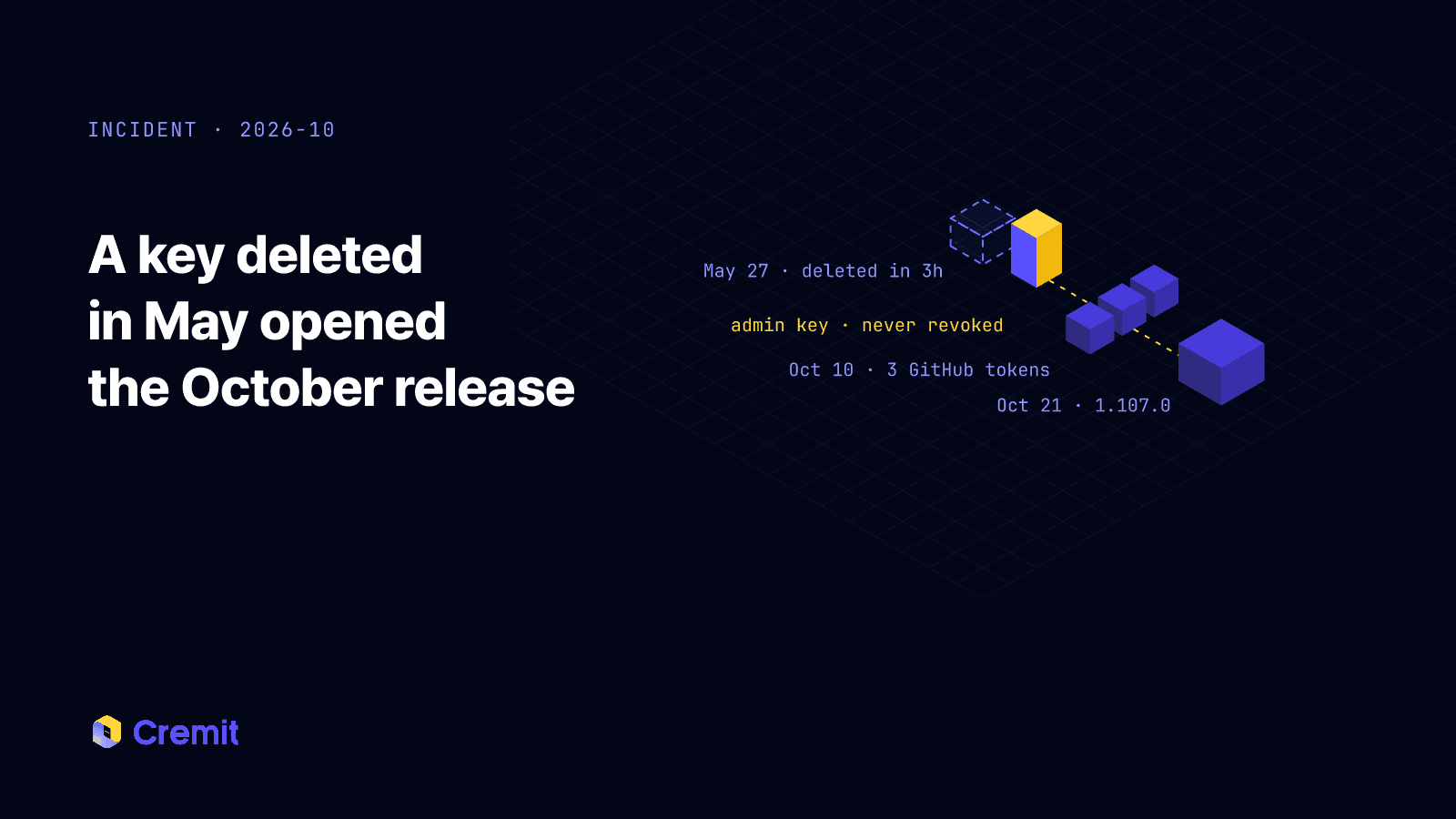
At 18:53 UTC on May 27, 2026, an administrative key for the LiteLLM Agent Platform, an internal alpha service, was committed to the public repository LiteLLM-Labs/lite-harness. About three hours later a follow-up commit removed the file.
The file was gone, but the commit stayed in public history until October 22. The key was never revoked either. LiteLLM's report says: "Because of human error, nobody followed through on revoking the administrative key." The attacker used that key, still valid more than four months later, on October 10.
This is the fact that matters most. Deleting a file and revoking a key are different actions. A key pushed to a public repository stays in commit history, forks, mirrors and scrapers. The exposure is not over until you have confirmed that the issuer no longer accepts it.
How did one key reach the release pipeline?
Here is the path from the report, in order.
- On October 10, 21:13 to 21:28 UTC, the attacker used the admin key to query the Agent Platform API. The platform was an experiment that ran cloud agents to open pull requests on GitHub. Its configured GitHub token was not a scoped PAT but the personal GitHub CLI OAuth token of a GitHub organization owner, and the API returned it in a response.
- The same day, the attacker used the owner's token to run a throwaway workflow and pull two GitHub Actions secrets: GH_TOKEN in BerriAI/litellm and RELEASE_PLEASE_TOKEN in BerriAI/litellm-auto. Both held other maintainers' tokens. A second round of exfiltration across several private repositories followed on October 12.
- At 10:08 on October 21, branch protection blocked a change to the release workflow. Minutes later the owner's token overrode the protection and pushed it. The modified workflow built from Berri-AI/litellm, one hyphen away from the real BerriAI owner.
- A production release needs one person to trigger it and another to approve it. The approver used to be tied to a physical device, but that week the rule had been relaxed to any two engineers. The attacker approved with the second maintainer's GH_TOKEN.
- Right after publishing, the attacker used RELEASE_PLEASE_TOKEN to delete the staging and production run records.
LiteLLM's first notice suspected the tokens came from the logs of an internal deployment. The final report corrects this: the first token came from the Agent Platform API response, not from logs.
What did the malicious LiteLLM build steal?
The wheels dropped three files at the top of site-packages, outside the litellm folder: cook.pth, cook.py and sitecustomize.py. cook.pth holds a single line, import cook. Python reads .pth files every time it starts, so cook.py ran whenever python or pip started in that environment, whether or not anything imported LiteLLM. The v1.107.0 source tag on GitHub does not contain these files; they were added during the build.
The list below comes from LiteLLM's notice and from the decoded cook.py published in issue #47826 (1,237 lines, decoded statically without running it). We read the collector modules directly.
- Environment variables: its own process, and on Linux every other process environment readable through /proc
- Cloud: ~/.aws credentials and config, Azure CLI profile and token caches, gcloud default credentials and token databases, Kubernetes config, and temporary credentials from the AWS, GCP and Azure metadata services
- Containers: the Kubernetes service account token, Docker secrets under /run/secrets, Docker registry config
- Developer tools: Git credentials and .gitconfig, npm, PyPI, pip, Maven and Gradle registry settings, .env files in the home and current directories, key files such as .pem, .key and .p12
- CI/CD: GitLab Runner config, Jenkins admin password and master key, Vault token (~/.vault-token), Terraform and Packer credentials
- AI developer tools: configuration and auth files for Claude (~/.claude, Claude Desktop), Cursor's mcp.json, Codex CLI, Gemini CLI, GitHub Copilot, Windsurf, Kiro, Zed, Amazon Q and others
- Browsers and shells: saved passwords and history from Chromium-based browsers and Firefox, shell history
- Keys: SSH, GPG and TLS private keys
- LiteLLM proxy database: connects with DATABASE_URL and reads LiteLLM_CredentialsTable (the AI provider keys the proxy uses) and LiteLLM_ProxyModelTable (model settings)
The data was encrypted with a public key embedded in the code and posted to http://www.litellm[.]dev/healthcheck. On success the code writes /tmp/.pc_once_72129118c59f5636c0bb.
sitecustomize.py had a separate job. It started a background process holding /tmp/remote_code_loader.lock and, every hour, read domain.txt from the GitHub repository letters9813/pythonclient-test, then downloaded and ran Python code from the server named there. When the issue was written domain.txt was empty, so this stage was idle, but the attacker could switch it on with one commit. That is why LiteLLM's notice describes the build as malware that "steals credentials and loads remote-code execution tools."
A LiteLLM proxy is a gateway that keeps many AI providers' keys in one database, and the collector names that database's tables. Teams running any LLM gateway should check what keys theirs holds.
What should LiteLLM users do now?
Combining LiteLLM's notice and the guidance in issue #47826:
- Find every place 1.107.0 was installed: virtual environments, uv and pip caches, internal mirrors, lock files, build outputs, and images pulled through the latest or main-stable tags between 11:46 and 14:20 UTC on October 21. Check images by digest, not by tag.
- Do not start with pip install on a suspect host. Running Python runs the malware again. From a clean system, look in site-packages for cook.pth, cook.py, sitecustomize.py, their .pyc files and litellm-1.107.0.dist-info, and stop the Python process holding /tmp/remote_code_loader.lock. Finding none of these does not prove the host is clean.
- Reinstall pinned to 1.106.2 or another pre-incident version, or rebuild images and virtual environments from scratch.
- If 1.107.0 ran on a host with outbound internet access, assume the data left. Rotate the instance or task IAM role, every provider key in the proxy database, master and virtual keys, the DATABASE_URL password, and any secrets in that host's process environments. On a developer machine, include cloud CLIs, GitHub, SSH, AI tool tokens and browser sessions. Rotate from a clean device.
- In CloudTrail, look for GetCallerIdentity calls from the instance role around the install time and for use of those credentials from outside your infrastructure.
- Confirm with each issuer that the old keys are actually dead. Creating a new key does not revoke the old one.
What should other teams check?
Each control the attacker got past is common. Check whether your team has these:
- Keys that were deleted but not revoked. If you have ever reverted a commit or removed a file to take a key out of a public repository, check whether that key still authenticates.
- People's tokens inside services. Look for bots or agents running on an employee's gh CLI token or PAT instead of a scoped token. LiteLLM's report notes that GitHub CLI OAuth tokens cannot be scoped down, are issued after 2FA, and are not asked for 2FA again even for an organization owner's sensitive actions.
- Internal APIs that return secrets. Check that configuration endpoints do not hand back stored tokens in plain text.
- Actions secrets holding personal tokens. Anyone who can push a workflow can read those secrets. You need a list of whose token each secret holds and what it opens.
- Relaxed approval rules. If a release needs "any two engineers", an attacker with two tokens counts as two engineers.
- Places where keys pile up. When an LLM gateway, a CI runner or a shared build server is compromised, the rotation scope is everything it held.
What Cremit can check
We cannot see LiteLLM's internal systems. The format of the Agent Platform admin key has not been published, so we cannot claim we would have recognized that key.
Cremit Platform works on your side. It scans connected GitHub repositories through commit history, not only current files, so a credential that was deleted from a file but remains in history is still found. For key types that support verification, it asks the issuer with a read-only call whether the key still authenticates. GitHub OAuth tokens (gho_), PATs and AWS keys are among them. The point of that check is that a key someone considered "deleted, so done" shows up in the inventory as still active.
The same inventory includes secrets stored in AWS Secrets Manager, GCP Secret Manager and HashiCorp Vault. When an incident happens, answering "which keys were in that system, and did the ones we rotated actually stop working?" starts with that list.
A deleted key is not a revoked key
LiteLLM noticed the mistake in May and removed the file within three hours. The one step it missed was revoking the key, and five months later that key led to an organization owner's token, two Actions secrets and a signed release.
If a key is exposed, deleting the file does not end the response. Revoke it at the issuer, then check the other keys that were reachable with it.
Sources
- LiteLLM, Oct 21, 2026 attack chain (2026-10-23)
- LiteLLM, Contained: Oct 21, 2026 LiteLLM release v1.107.0 Compromised
- BerriAI/litellm issue #47826: 1.107.0 compromise report and decoded payload
- LiteLLM, Security Update: Suspected Supply Chain Incident (2026-03)
- pypistats, litellm downloads
Related reading
Read next
Deleted file, active credential: investigating a Zombie Key
Source removal does not revoke a credential. Check the issuer, Git history, current owner, and last verification before closing the finding.
GhostAction Analysis: How a Malicious Workflow Collects Keys from Git History
A review of 100 public workflow samples and Uber repository events shows four collector versions. We examine deleted-key collection through Git patches, successful exits after transfer failure, and credential-based response priorities.
The machine access behind an exposed API key
An exposed key is a lead. Connect it to its issuer, principal, permissions, workload, and owner before closing the access path.
Get the next one in your inbox
Monthly NHI security brief from Cremit. One email, high signal.