OWASP NHI5: How to Review Excess Machine Permissions
Compare workload needs, issuer grants, effective access, and observed use before reducing an NHI’s permissions.

On this page(12)
Revised October 4, 2026. The former article mixed OWASP NHI5 with speculative AI-agent scenarios and implied broader automated permission management than Cremit provides. This version separates a credential finding, an issuer grant, effective access, and observed use.
What does OWASP NHI5 mean?
OWASP NHI5:2025 covers a non-human identity with more access than its workload needs. A service account might retain permissions from an old task or receive a broad policy for convenience. Excess permission can increase the damage after a separate initial compromise. It does not itself show that a credential leaked, an attacker signed in, or any permission was used.
The practical question is: what must this workload do, what has its principal been granted, and what can that principal effectively do under the issuer’s policy rules? Keep those answers separate. A detector finding a key in source code answers a different question: where a possible credential was exposed.
A small example, not an incident
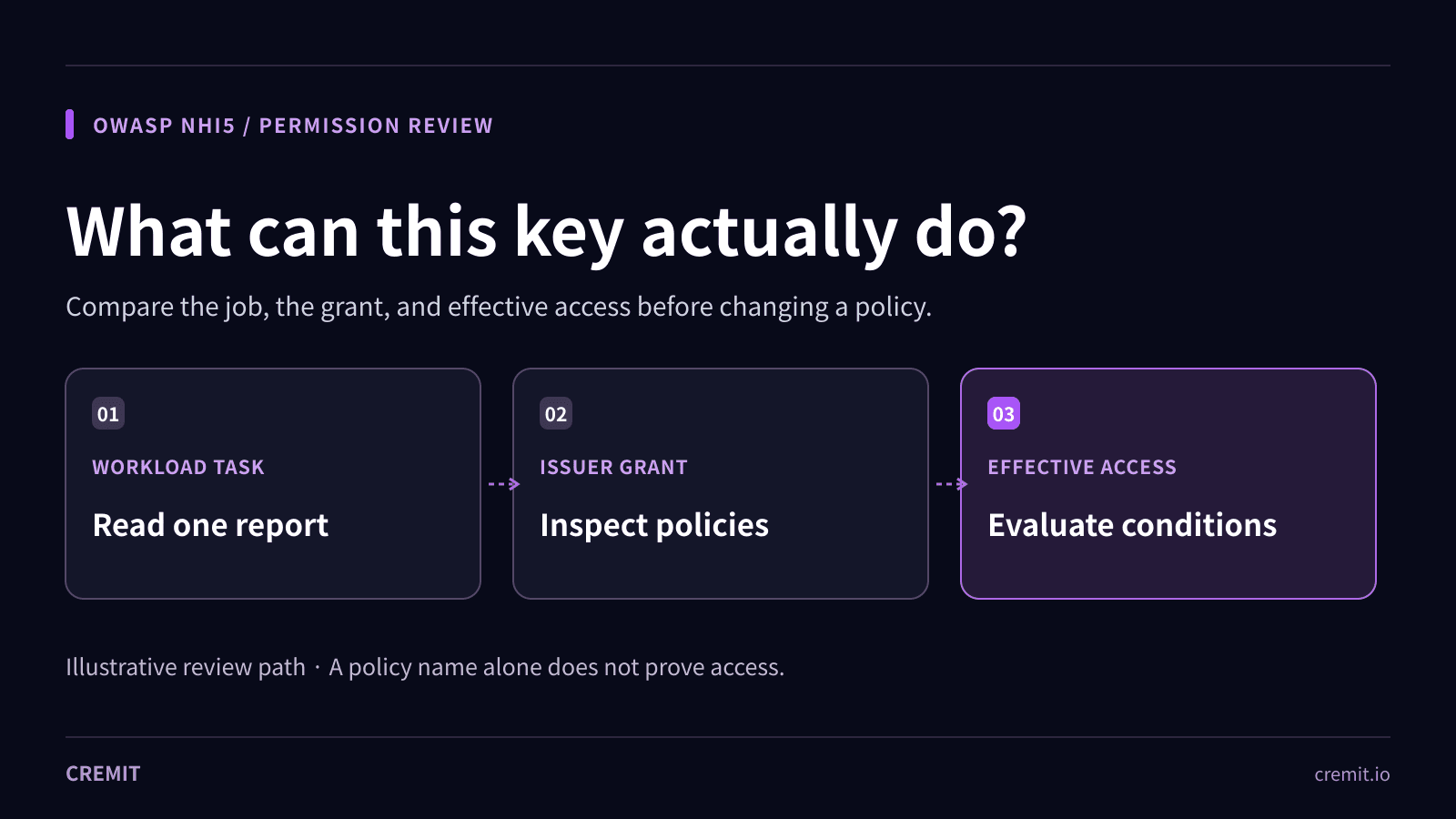
Imagine a scheduled job that only reads one report. Its AWS access key points to an IAM user with a broadly named policy. The mismatch deserves investigation, but the policy name alone does not establish effective access. Read the policy document, relevant resource policies, permission boundaries, organization controls, and conditions. Check the job’s real API calls and its owner before proposing a narrower grant. This is an illustrative workflow, not a Cremit finding or a measured exposure.
Five records to inspect
1. Workload and owner
Name the service, environment, job, and person responsible for it. List the resources and actions needed for the task. If the workload is unknown, assign someone to trace it before removing access.
2. Credential and issuing principal
Find the credential ID, issuer, principal, and current state at the issuer. Record whether the key is active, disabled, expired, or unknown. A source-code match and a successful issuer validity check are different pieces of evidence.
3. Granted and effective access
Inspect policies, roles, groups, resource policies, boundaries, organization controls, and relevant conditions at the issuer. AWS explains that identity and resource policies are evaluated together, while explicit denies and additional policy types can limit a request. An attached policy name is a lead, not a complete answer about effective access.
4. Observed use and its limits
Use issuer logs and access-analysis tools for a defined time window. AWS IAM Access Analyzer can identify unused access and generate policy suggestions from CloudTrail activity, subject to its supported services and observation window. A missing event may reflect limited log coverage, retention, or an infrequent job. Review the suggested policy with the workload owner and test it; do not treat it as proof that every unobserved permission is safe to remove.
5. Change and verification
Have the issuer-side owner reduce access to the justified task, test the dependent workload, and confirm the old permission no longer authorizes the unwanted action. If an exposed active key is involved, plan its replacement or revocation at the issuer as a separate response step. Record the decision, approver, test, and remaining unknowns.
AWS access keys and GCP API keys are different cases
An AWS access key authenticates an IAM principal; that principal’s effective permissions require AWS policy evaluation. A Google Cloud API key identifies a project or client for supported APIs and can carry application and API restrictions. Those key restrictions are not the same thing as a Google Cloud IAM role grant. If a service account or another principal is involved, review its IAM roles separately.
In the current Cremit finding view, available AWS context includes the IAM user and attached or inline policy names and groups. Available GCP API-key context includes key, project, API-target, and client restrictions. This can direct an investigator to the issuer. Cremit does not calculate every effective permission, prove use or compromise, or change policies and rotate keys automatically. Missing or incomplete context must stay marked as unknown.
A useful NHI5 outcome
Close the review with a named workload and owner, a documented issuer-side access decision, a tested change, and a record of what the available logs could and could not show. If the owner or effective access remains unclear, keep that uncertainty visible instead of calling the identity least-privileged.
Related Cremit guides
OWASP NHI2: what to check after secret leakage
OWASP NHI4: authentication review
Primary sources
OWASP — NHI5:2025 Overprivileged NHI
AWS IAM — Policy evaluation logic
AWS IAM Access Analyzer — Findings
Read next
OWASP NHI4:2025 — how to review insecure authentication
Insecure authentication is more than a leaked key. Review OAuth flows, static credentials, token scope, and the rollout path for safer workload access.
OWASP NHI1: Offboard machine access without breaking a service
When a service ends or its owner leaves, decide what still runs, transfer responsibility or revoke access, and verify the old key no longer works.
OWASP NHI2: Secret leakage and the four checks after discovery
A leaked secret is a lead, not proof of misuse. Check its location, validity, access, and response owner before closing the exposure.
Get the next one in your inbox
Monthly NHI security brief from Cremit. One email, high signal.