A credential in an S3 object: what to check next
A key-shaped string in S3 does not prove public access, a live credential, or misuse. Check the object, issuer, scan coverage, and earlier versions.

On this page(7)
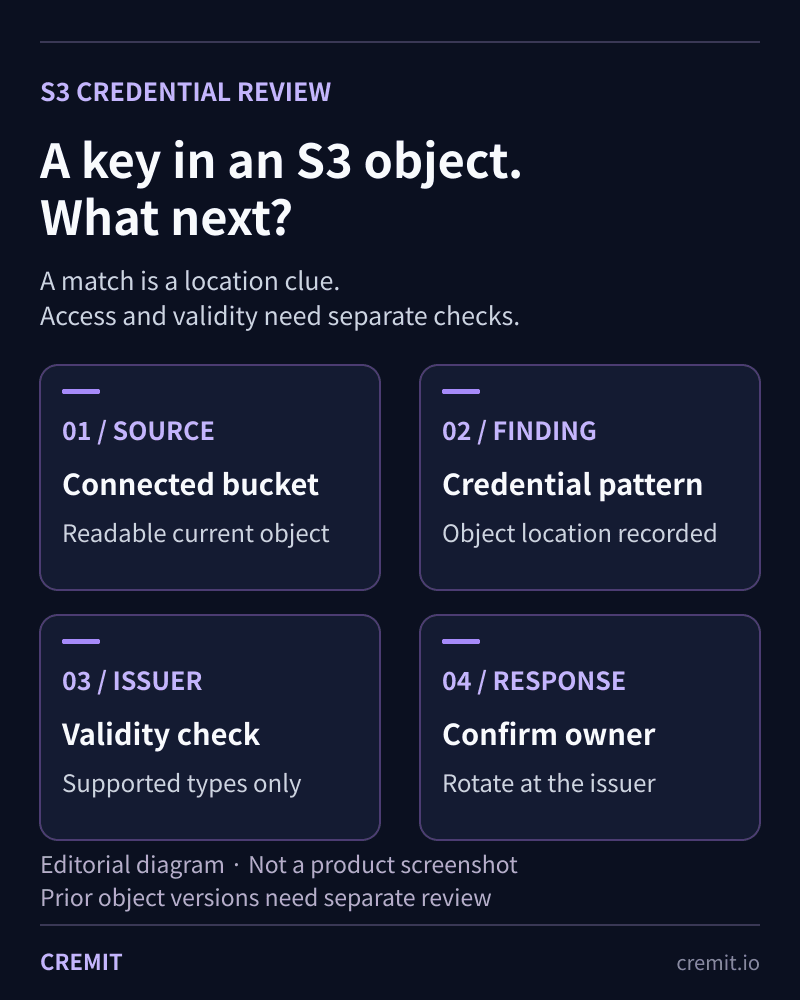
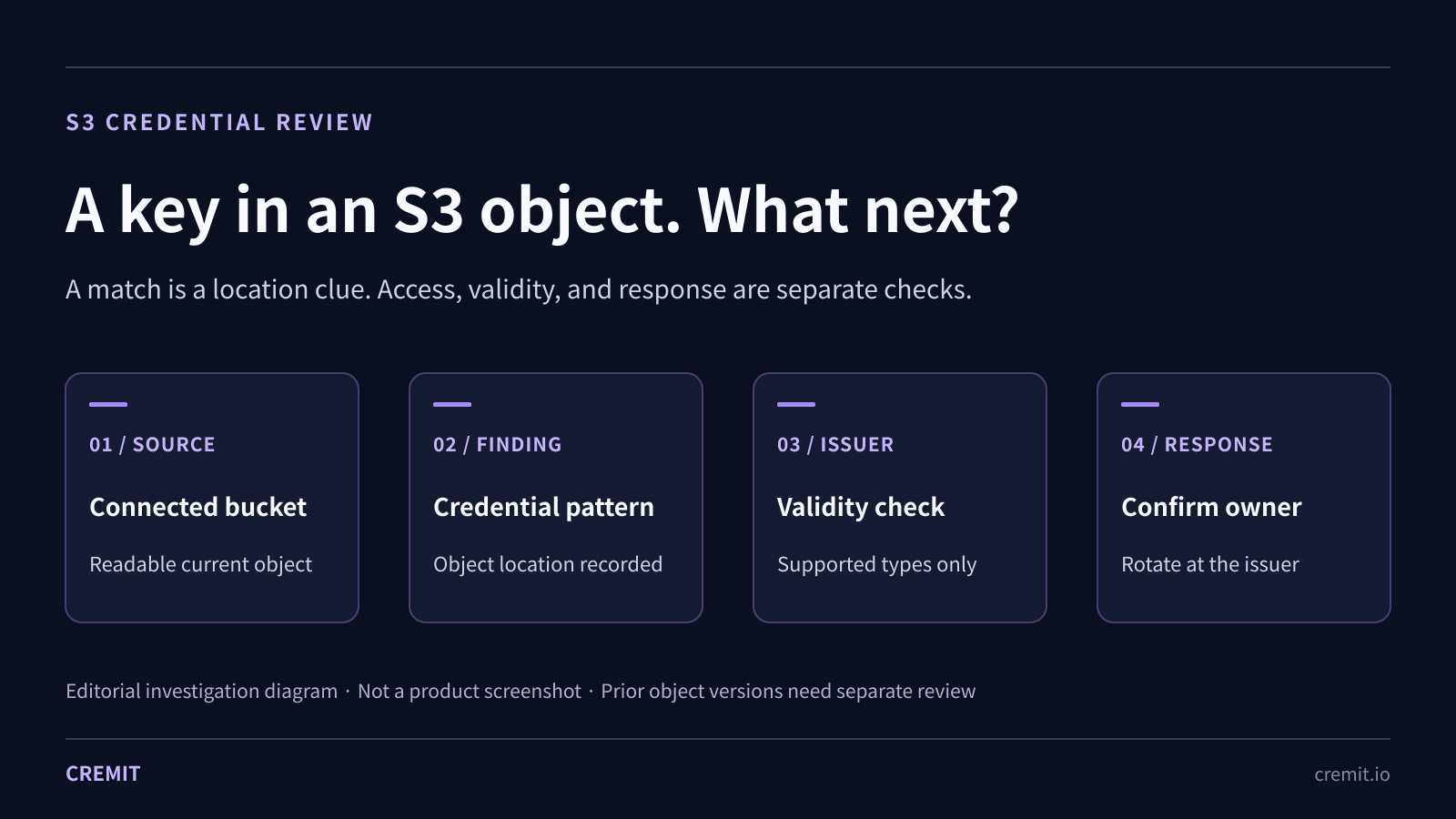
A credential-shaped string in an S3 object tells you where to investigate. It does not, by itself, show that the object was public, the credential still works, or anyone used it. Those are three separate questions.
How a credential can reach S3
A configuration export, application log, backup, or support attachment may contain a key that was useful elsewhere. The object can be private and still expose that key to every principal allowed to read it. S3 encryption at rest does not remove the credential from content returned to an authorized reader.
1. Establish who could read the object
Record the bucket, object key, and finding time without copying the secret into a ticket. Check S3 Block Public Access at the account and bucket levels, then inspect the relevant bucket, access-point, and IAM policies. A private object and a publicly readable object call for different exposure assessments.
If S3 object-level CloudTrail data events were enabled for the affected bucket and time window, examine reads such as GetObject. Those events are not logged by default. An absent event in a trail that did not collect object data events cannot prove that nobody read the object.
2. Check what the scan could actually read
Cremit scans objects that its connected S3 source can list and read. A missing bucket connection, denied GetObject or KMS decrypt permission, archived object, unsupported format, or scan limit can leave a gap. Review the source status and skipped or unreadable objects before calling a bucket clean.
The current S3 connector lists current objects; it does not enumerate earlier versions in a versioned bucket. Deleting a current object can leave earlier versions behind. Review version history and retention rules separately if the key may have appeared there.
3. Check the credential at its issuer
A pattern match needs triage. Cremit can check current validity with the issuer for supported credential types; other types need manual review. Where the relevant AWS or GCP integration and key type are supported, access context can help prioritize. The S3 finding alone does not establish permission scope or attacker use.
4. Contain and remove copies
Confirm which service uses the key and who will act. Replace or revoke it at the issuing service, check that dependent workloads still run, and record the issuer-side action. Preserve the object location and available logs for investigation without delaying containment. Then remove the credential from the current object and any retained versions or copies under the organization’s retention policy.
How Cremit and Macie differ
Amazon Macie can report credential-like sensitive data in S3 objects it can analyze, subject to its storage-class, format, and access limits. Cremit focuses on credential findings from supported connected sources and issuer checks for supported types. Neither a Macie finding nor a Cremit match is proof of public access, validity for every key type, or misuse. Choose the coverage and response workflow you can verify in your own account.
Sources and product scope
AWS documentation describes the access, logging, versioning, and key-replacement steps above. Cremit’s S3 scope and skip behavior were checked against the current connector and worker code.
AWS CloudTrail S3 object data events
AWS S3 delete markers and earlier versions
AWS IAM access-key replacement
Read next
AWS S3 secret scanning: what a connected bucket shows
Cremit reads supported current objects in connected S3 buckets to locate credentials. Check access, skipped objects, earlier versions and the issuer separately.
Eight credential exposure patterns and how to respond
A practical summary of eight NHI credential exposure patterns, the evidence to check, and what Cremit Platform can help investigate.
Same key in a repository and ticket: investigating cross-platform findings
Two source types show two observed locations, not how a credential moved. Check access, issuer status, owner, and actual consumers.
Get the next one in your inbox
Monthly NHI security brief from Cremit. One email, high signal.