AWS S3 secret scanning: what a connected bucket shows
Cremit reads supported current objects in connected S3 buckets to locate credentials. Check access, skipped objects, earlier versions and the issuer separately.

On this page(5)
This article originally announced Cremit’s S3 source. Its first version described a complete inventory of the identities using S3 and immediate coverage of the whole environment. The current connector does not provide either. Here is what a connected bucket can show.
What the S3 source reads
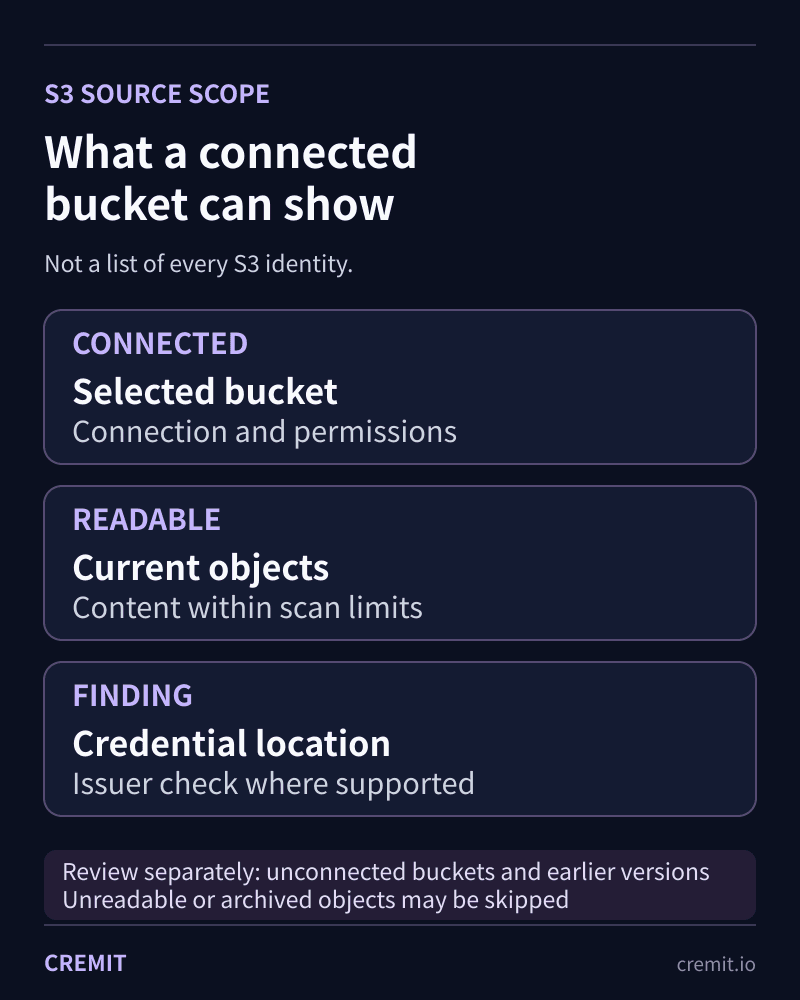
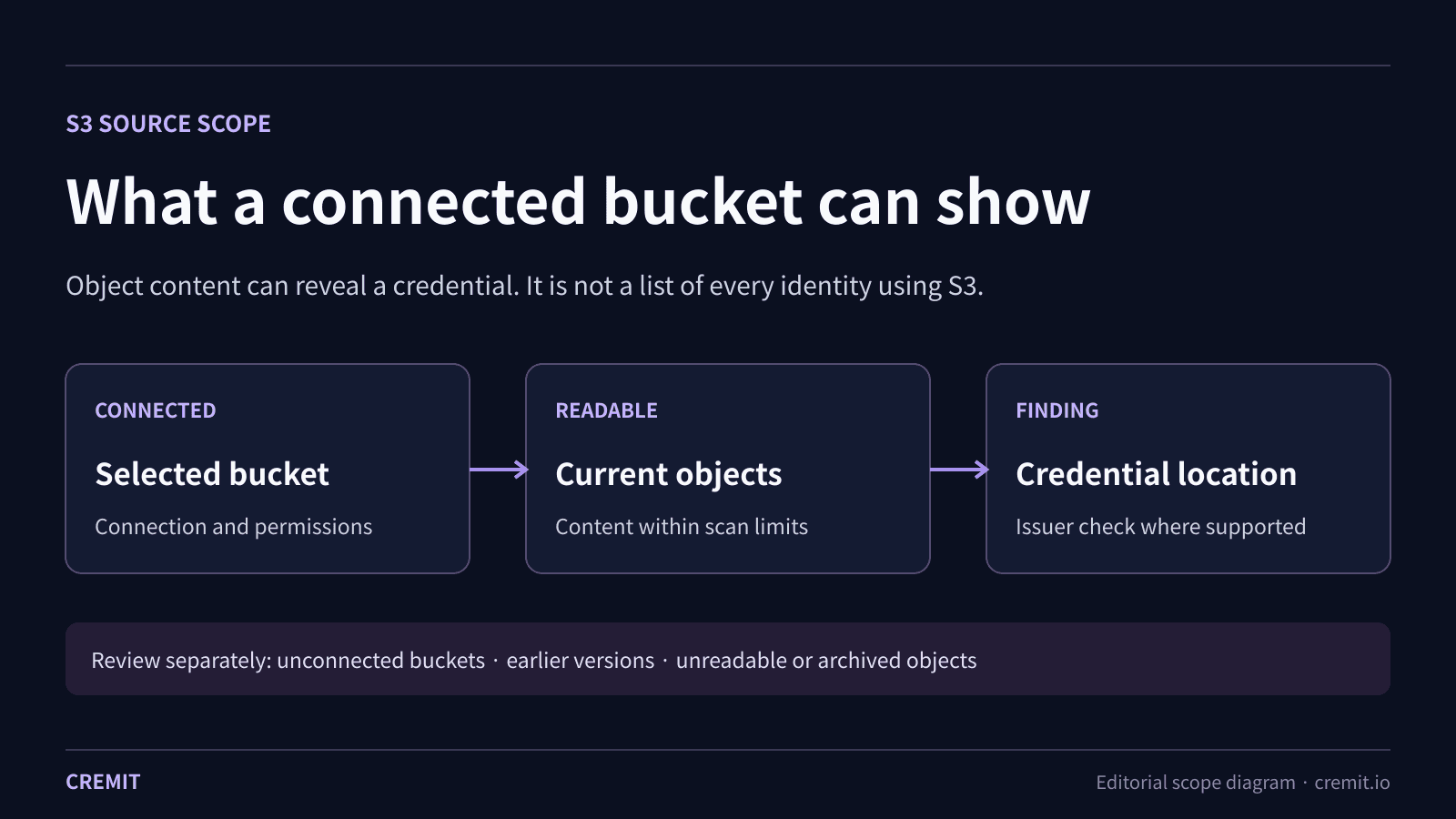
Cremit lists current objects in a connected bucket and reads supported content it is permitted to access. A scan can find credential-shaped strings in a configuration export, log, backup or other supported object, then record the source location for investigation. These are credentials found in object content, not a list of every IAM role, workload or service allowed to use the bucket.
The scan uses S3 list and object-read operations. The connection needs the relevant S3 permissions and, for objects encrypted with a customer-managed KMS key, decrypt permission. Granting read access does not make every object readable: bucket policy, key policy, storage class and scan limits still matter.
What a result can tell you
A finding identifies where a possible credential appeared. For supported credential types, Cremit can check its current validity with the issuer. AWS or GCP access analysis is a separate supported integration and key-type check. Neither an S3 pattern match nor a valid key proves who read the object, who owns the credential, or whether it was misused.
What needs a separate check
The current connector enumerates current objects. It does not list earlier versions in a versioned bucket. Objects that cannot be read, are in an archived tier, exceed supported format or size limits, or fall outside a run’s budget may be skipped. Review the source status and skipped-object counts before interpreting a run with no findings. Check unconnected buckets and retained versions separately.
A practical first run
Choose the bucket and configure the required read permissions. Confirm that the source can list the bucket and read a supported test object; inspect any KMS or storage-class errors. After the run, review findings with their object locations and review skipped objects. Assign a responder to verify a key at its issuer, replace or revoke it if needed, and remove copies under your retention policy.
Further reading and sources
The S3 integration page describes the connection. The investigation guide goes deeper on object access, CloudTrail data events, version history and response. AWS documentation explains the underlying permissions and storage behavior.
S3 credential finding: what to check next
Read next
A credential in an S3 object: what to check next
A key-shaped string in S3 does not prove public access, a live credential, or misuse. Check the object, issuer, scan coverage, and earlier versions.
AI agent credentials: trace the tool, issuer and responder
An agent workflow may cross several identity boundaries. Trace the actual grant, source location, permissions and owner before judging a leaked key.
Eight credential exposure patterns and how to respond
A practical summary of eight NHI credential exposure patterns, the evidence to check, and what Cremit Platform can help investigate.
Get the next one in your inbox
Monthly NHI security brief from Cremit. One email, high signal.