Where credentials escape a CI/CD pipeline
A key can land in Git history, build output or a published image. Use a different check at each boundary and verify any exposure at its issuer.

On this page(6)
A pipeline moves source code into a build and then into an artifact. A credential can be copied at any of those boundaries. One “continuous scan” does not observe them all. The earlier version of this article implied that Cremit inspected every commit, build and environment variable and could prevent leaks before deployment. That was too broad. This guide separates the checks.
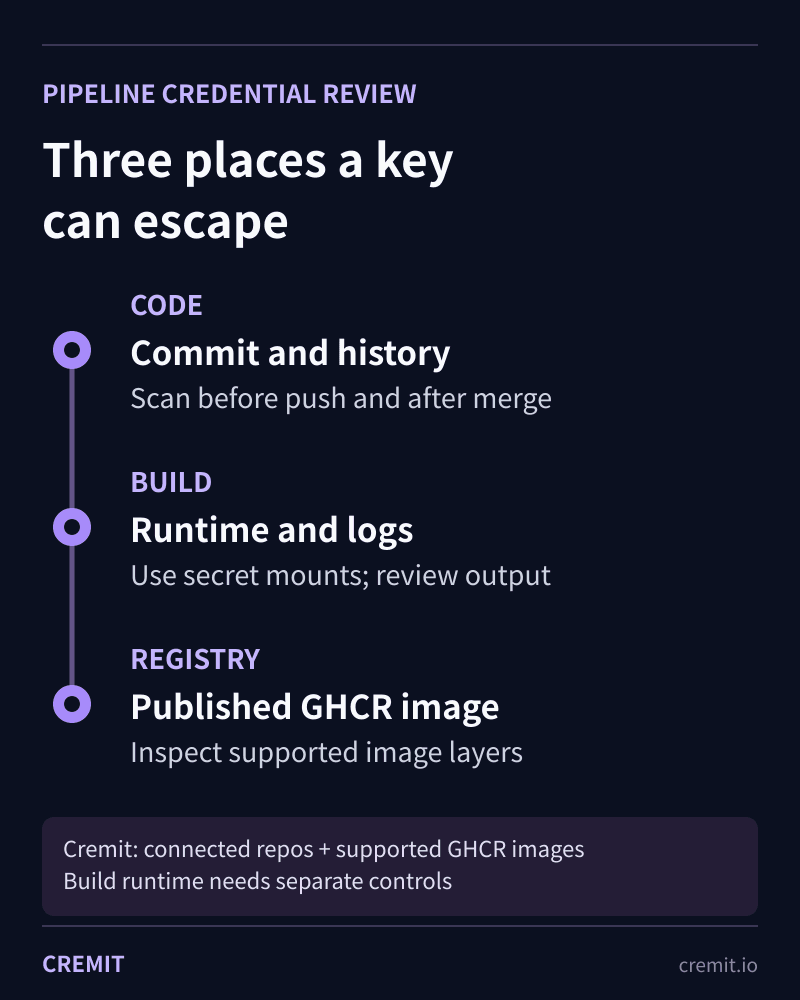
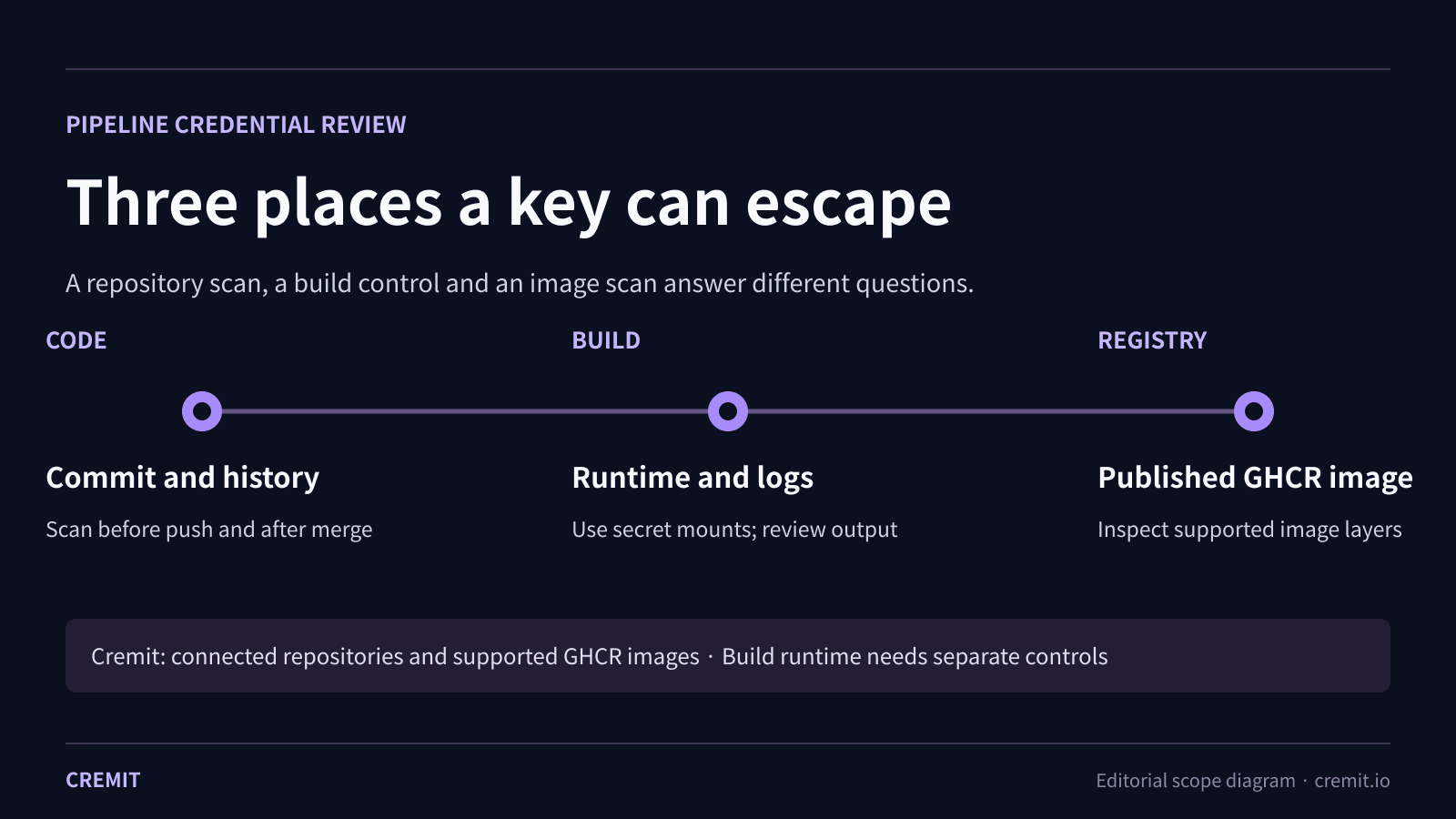
1. Code and repository history
A key committed once may remain in Git history after the latest file is cleaned. Review the branches and history that your repository scanner actually covers, along with relevant pull requests and shared text. GitHub’s own secret scanning describes its history and collaboration-surface coverage; availability and checks depend on repository type and configuration.
A local or CI scanner such as Gitleaks can inspect files or Git changes before a push. Push protection can stop supported patterns at the provider boundary. Choose the command and trigger in your own pipeline, test it with a harmless fixture, and record what paths or commits it did not read. Cremit’s connected repository scan is a separate source check; it is not a claim that every local pre-commit or CI job ran.
2. Build execution and logs
A build may need a token to fetch a dependency or call a service. Passing it through a Docker build argument or ordinary environment variable can preserve it in an image. Docker recommends secret or SSH mounts for build-time credentials. Also review whether commands, debug output or uploaded logs print the value.
A repository finding does not tell you what happened inside every CI runner. Cremit does not inspect a live build environment or all CI logs merely because a repository is connected. Treat runtime secret injection, log redaction, access to stored logs and the CI provider’s permissions as separate controls.
3. Published container image
After publication, a credential may remain in an image layer even when the latest visible file looks clean. The GitHub Packages source has a bounded GHCR/OCI container-image scan path for supported connected targets. It retrieves and inspects image layers without executing the image. Check the target, tag or digest, platform, status and any scan limits; do not infer that every registry or historical image was scanned.
When a key is found
Record the finding location without pasting the secret into a ticket. Check whether the key still works at its issuer for supported types and review available access and activity context. Assign a responder to replace or revoke it at the issuer, test dependent workloads, and then remove copies from accessible code, logs or artifacts according to retention rules. Removing a file or image alone does not revoke an active key.
What Cremit covers
Cremit can scan supported connected repositories, collaboration sources, cloud storage and supported GitHub Packages images for credential patterns. Issuer validation and AWS or GCP permission context apply to supported types and integrations. Build-runner memory, every CI log, arbitrary local images, general vulnerability scanning and automatic pre-push blocking require their own controls.
Primary sources
Read next
AITU CTF Final 2026 Writeup
Full writeup of the AITU CTF Final (April 25-26, 2026), a HackCity-format competition. We walk through exploiting DMZ hosts via XXE, SSTI, and SQLi, pivoting into the DEV segment through AD lateral movement, escaping a privileged Docker container via cgroup abuse, and breaching a healthcare system through JWT JKU header injection.
Same key in a repository and ticket: investigating cross-platform findings
Two source types show two observed locations, not how a credential moved. Check access, issuer status, owner, and actual consumers.
Long-exposed credentials: what a 90-day source record tells you
An old source record and an active key do not establish key age. Check when the value appeared, issuer status, permissions, and dependencies.
Get the next one in your inbox
Monthly NHI security brief from Cremit. One email, high signal.