Same key in a repository and ticket: investigating cross-platform findings
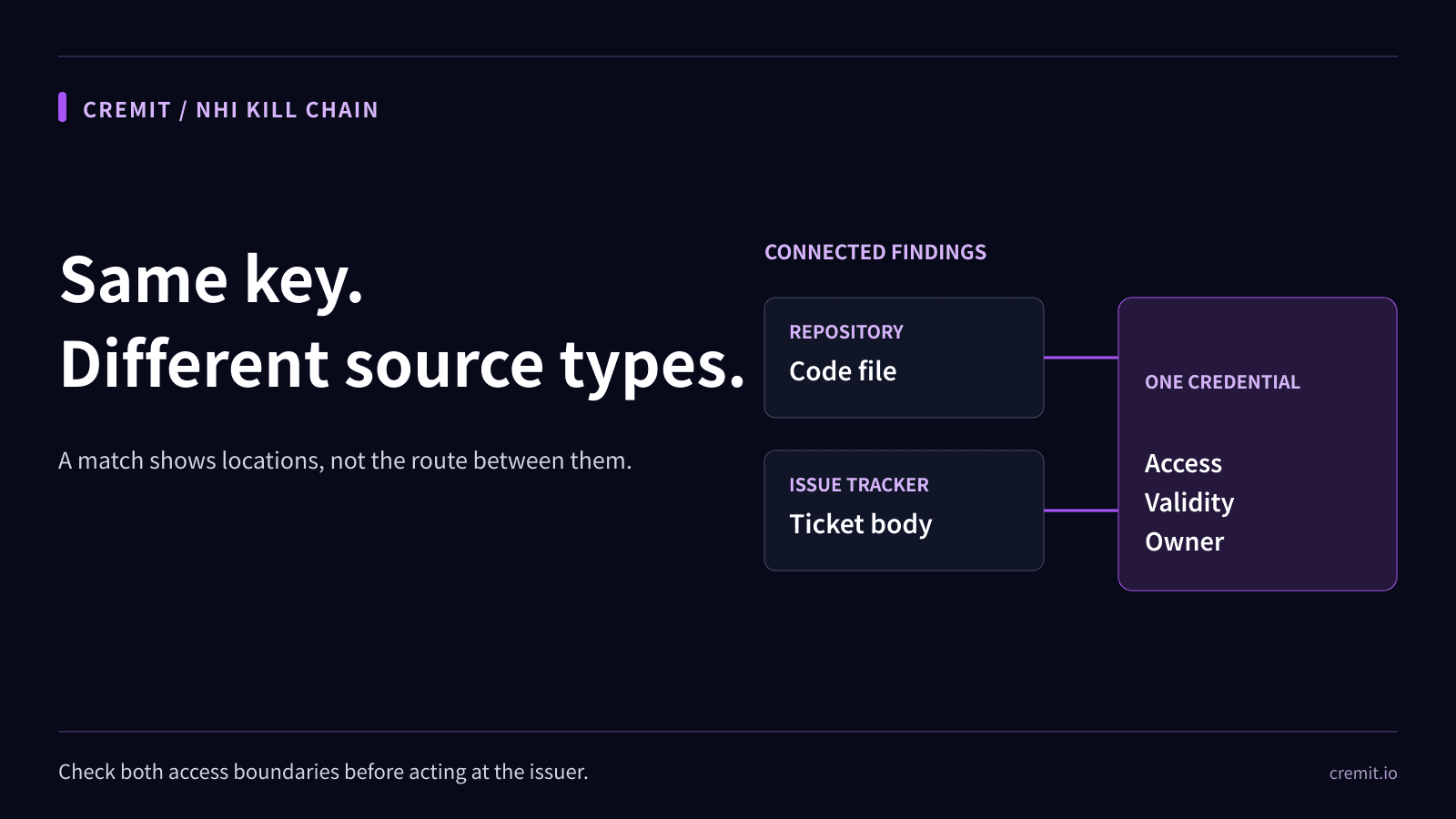
Two source types show two observed locations, not how a credential moved. Check access, issuer status, owner, and actual consumers.

On this page(5)
Updated October 4, 2026. The earlier version described a fabricated database password moving through seven named platforms, complete with staff roles and a realistic-looking connection string. It presented the sequence as an observed event and made broad claims about other tools. This guide removes that account and starts with what two findings in different connected source types actually establish.
Two source types, one credential
Suppose a supported connected repository and an issue tracker both contain the same credential. That gives a team two observed locations and two access boundaries to inspect. It does not establish which location came first, who copied the value, whether it passed through any other system, or whether an attacker used it. Timestamps can help form a timeline, but a document’s creation time may precede the insertion of the key.
Record the repository path and relevant commit, the ticket identifier, when each occurrence was observed, who could read each location, and whether either was public. Use a masked credential identifier in the response record. Before concluding that a value has spread widely, confirm that the findings refer to the same credential and that each source was actually connected and scanned.
What should the investigator check next?
Find the issuer and the service that relies on the credential. For supported types, check whether the value is still active; otherwise record its status as unverified. Determine permissions and restrictions at the issuer. Then find the current owner and actual runtime consumers. The source author and ticket reporter can explain how a value entered a location, but neither is automatically the owner of the workload.
Review issuer audit logs and the access settings of each discovered location. A ticket visible only to a small team differs from a public repository, though both may warrant prompt response if a sensitive value is present. A log search that finds no use is limited by the logging configuration and retention window. Keep observed activity separate from plausible attack paths.
Respond to both the key and its copies
If a sensitive credential may still work, coordinate replacement and containment at its issuer. Update verified consumers, revoke or rotate the old value, and confirm that the old value is rejected. Then remove or redact avoidable source copies in the approved locations. Deleting a ticket or code line does not change a database password or API key at the issuer.
If the value is a database password, work with the database owner on the actual account, dependencies, network reachability, and audit records. Do not test an unknown production credential by making an unsanctioned connection. If a build process needs a secret, Docker warns that build arguments and ordinary environment variables can persist in an image and documents secret mounts for build-time use. This prevention step does not prove that any particular image contained the value.
What Cremit’s Drifted Key item means
CRE-006 flags a credential last marked active or manually active when its findings span at least two distinct connected scan-source types. A repository and an issue tracker are one possible pair. A separate Over-shared Key item counts distinct targets within one source type. CRE-006 does not infer an approved original location, reconstruct the transfer order, count unconnected systems, or prove that a copied value is used by every workload associated with those systems. Cremit does not rotate or revoke the credential automatically.
Use the category to compare source permissions, confirm issuer status and access scope, identify the owner, and verify the response. Keep a record of what was observed and what remains unknown.
Primary sources
Read next
Long-exposed credentials: what a 90-day source record tells you
An old source record and an active key do not establish key age. Check when the value appeared, issuer status, permissions, and dependencies.
API keys in incident chats and tickets: what to investigate
A credential outside a repository needs a source-access review, issuer check, owner, and verified response. A finding alone does not prove misuse.
Eight credential exposure patterns and how to respond
A practical summary of eight NHI credential exposure patterns, the evidence to check, and what Cremit Platform can help investigate.
Get the next one in your inbox
Monthly NHI security brief from Cremit. One email, high signal.