Vercel secret exposure: check your Next.js browser bundle
Find where Next.js puts environment values in client output, distinguish public and secret Stripe keys, and replace a key exposed in a deployment.
Editorial record: the earlier site-level counts were removed because the underlying records could not be verified. This is a source-linked investigation guide.

On this page(12)
Revised October 4, 2026. The previous version presented a site-level exposure rate as original research. We could not locate the underlying sample, result records, or validation protocol needed to verify it, so we removed that claim. This guide now covers exposure paths and checks a site owner can reproduce without testing other people’s credentials.
Can a Vercel environment variable appear in the browser?
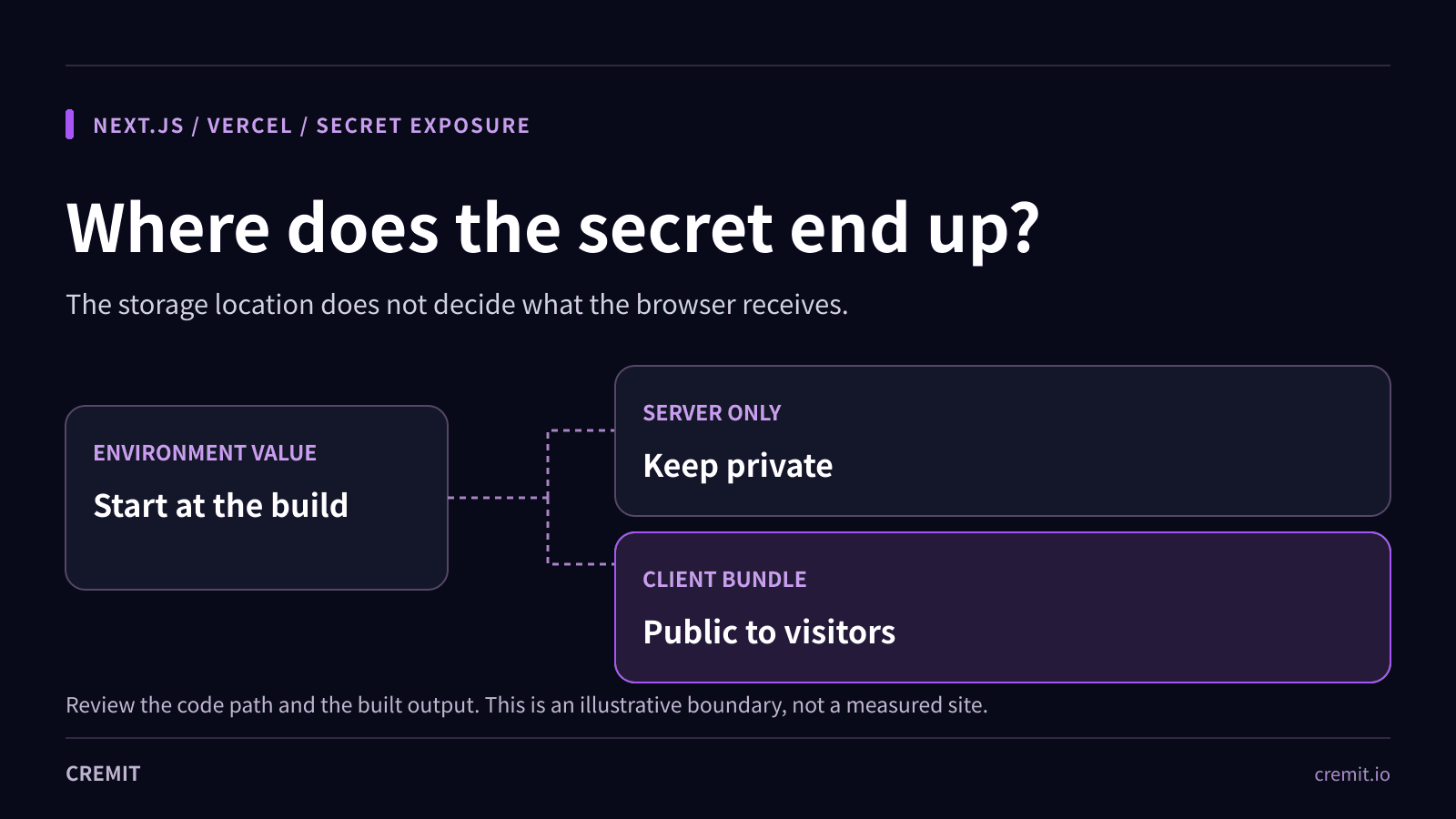
Yes, if application code sends its value to the browser. Vercel stores environment variables for builds and functions; storing a key there does not, by itself, publish it. Next.js inlines statically referenced NEXT_PUBLIC_ variables into client JavaScript at build time. Values placed in next.config.js env are also bundled. A server component or route can separately leak a value by rendering it into HTML, JSON, or props. Inspect the code path and the built response, not the storage screen alone.
A .env file committed to Git is a different exposure path. It can disclose a key to anyone who can read that repository even when no client bundle contains it. A key can also appear in logs, copied build artifacts, or an old public deployment. Search each relevant surface within your own access rights.
Which Stripe key belongs in client code?
Stripe publishable keys beginning pk_ are designed for client use. Stripe secret keys beginning sk_ and restricted keys beginning rk_ belong on the server. An sk_live_ value in a public bundle should be treated as exposed even if the page still works and no misuse has been observed. A matching prefix is a lead, not proof that the whole string is a valid key; confirm state and scope with the issuer.
How a build can publish a secret
The following values are placeholders, not working credentials. The unsafe variable name tells Next.js to make the value available to client code when it is referenced there. Moving the same value to a server-only environment variable and using it in a server route keeps that value out of the intended client code path. Check rendered HTML and responses too.
// Unsafe: referenced by browser code
const secret = process.env.NEXT_PUBLIC_STRIPE_SECRET;

// Server route: read the secret on the server only
import 'server-only';
const stripeSecret = process.env.STRIPE_SECRET_KEY;
The name alone does not prove an exposure. Next.js documents direct NEXT_PUBLIC_ references as build-time inlining; dynamic lookups behave differently. Likewise, a server-only name does not excuse returning the value in a response. Test the production build and the delivered page rather than relying only on a code search.
Check your own deployed site
1. Find the paths that can publish values
Review NEXT_PUBLIC_ references, next.config.js env, client components, server-to-client props, rendered HTML, API responses, source maps, and any public static files. Check whether .env files were committed. Keep exact credential values out of tickets and CI logs; record file paths, variable names, and a short redacted identifier instead.
2. Inspect a fresh production build
In a local copy of your own build, search the client assets for provider-specific secret prefixes. The example below prints filenames only. A clean prefix search is not a full secret scan: other providers use other formats, values can be transformed, and leaks can occur in HTML or JSON outside .next/static.
# Run against your own freshly built Next.js output
rg -l 'sk_live_|rk_live_' .next/static
3. Check what users could have reached
Compare the affected build with the current production, preview, and old deployment URLs you control. Next.js freezes public variables into a build, and Vercel applies variable changes only to new deployments. Replacing a dashboard value alone does not remove a key from a previously built client bundle.
If a secret is public, what should change first?
Have the credential owner determine whether the exposed value is an active secret or a public key. For an active secret, create or arrange a replacement at the issuer, update every dependent environment, deploy and test, and revoke the old key promptly. If abuse is suspected or the issuer requires immediate containment, revoke sooner and coordinate service recovery. The order depends on issuer controls and outage tolerance. Review issuer activity logs for the available window; an empty log is not proof of no use.
Remove the code path that emitted the value and build again. Check production, preview, and any still reachable old deployments. If Git history also contains the key, revoke it before a coordinated history cleanup; a history rewrite cannot erase copies already cloned. Vercel’s sensitive-variable setting restricts who can read the stored value in its dashboard, but it cannot undo a value that application code has placed in client output.
What can Cremit verify here?
Cremit can find credentials in supported connected sources, check supported credential types with their issuers, show available AWS access-key or GCP API-key context, and track an owner’s response. It does not prove that every Vercel deployment or browser bundle was scanned, show every Stripe key’s current permissions, or rotate credentials automatically. Use your deployment and issuer records to close those gaps.
A practical closeout record
Keep the affected variable and build identifiers, first and last public deployment, locations of exposed copies, issuer key state, owner, replacement and revocation times, dependent-service test, and log-review window. If the first exposure time or downloaded copies are unknown, say so. The strongest outcome is a working replacement and a failed authentication attempt with the old key, verified at the issuer.
Related Cremit guides
Secret scanning: distinguish a match from a usable key
Frontend bundles: other credential leakage paths
Primary sources
Next.js — Environment variables and client bundling
Next.js — next.config.js env is bundled
Vercel — Environment variables and deployments
Vercel — Rotating environment variable secrets
Read next
When the Security Scanner Became the Weapon: A Cyber Kill Chain Analysis of the Trivy Supply Chain Attack
Aqua Security's Trivy was compromised by TeamPCP, cascading into LiteLLM. A 7-phase Cyber Kill Chain and MITRE ATT&CK analysis of how incomplete credential rotation turned a single breach into a five-ecosystem catastrophe.
Cremit Joins AWS SaaS Spotlight Program
Cremit has joined the AWS SaaS Spotlight program for early-stage SaaS startups in Asia Pacific.
AI agent credentials: trace the tool, issuer and responder
An agent workflow may cross several identity boundaries. Trace the actual grant, source location, permissions and owner before judging a leaked key.
Get the next one in your inbox
Monthly NHI security brief from Cremit. One email, high signal.