Six checks for securing workload credentials
Before adding another key or vault entry, identify the workload, prefer temporary access, bound its permissions, plan exposure response and retire unused identities.

On this page(9)
A service account, role or other workload principal is not the same thing as a key that authenticates it. Some workloads can use roles or federation without an exported long-lived key. Others still depend on a static credential. Start with the actual workload and issuer, then apply the six checks below; a vault is only one possible control.
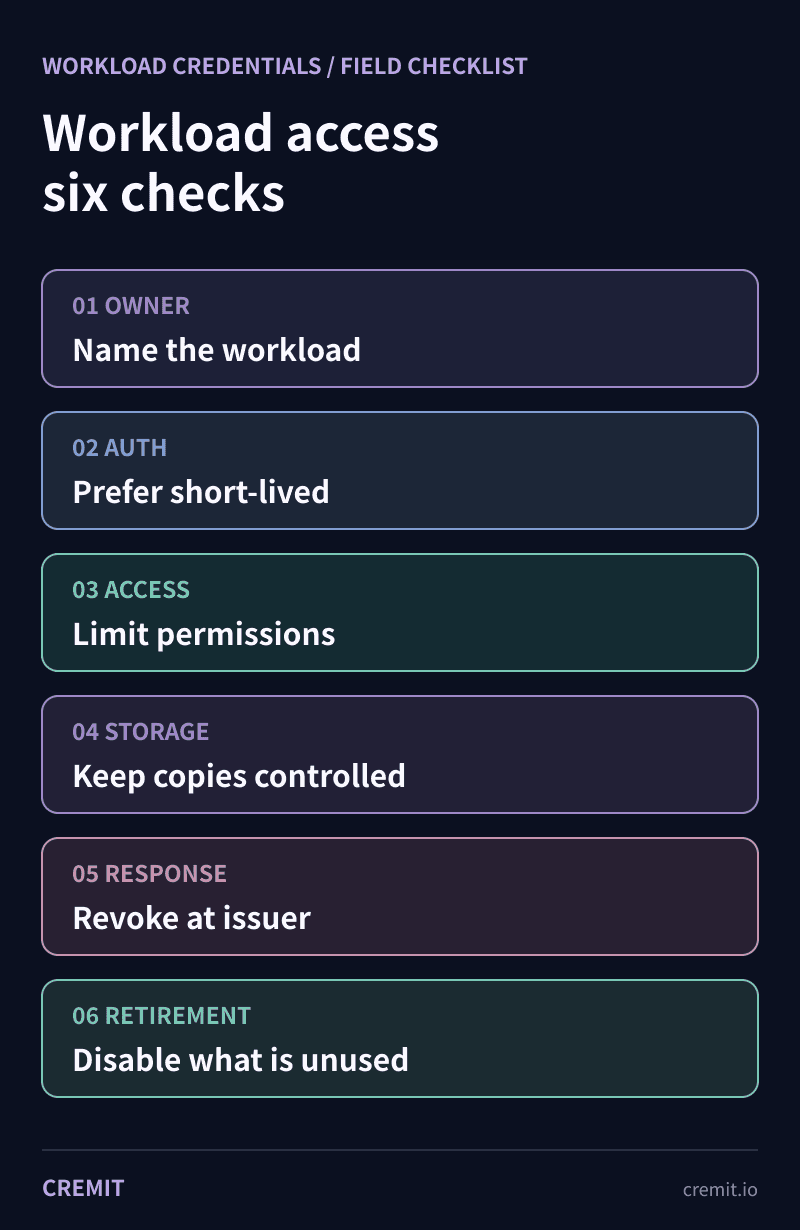
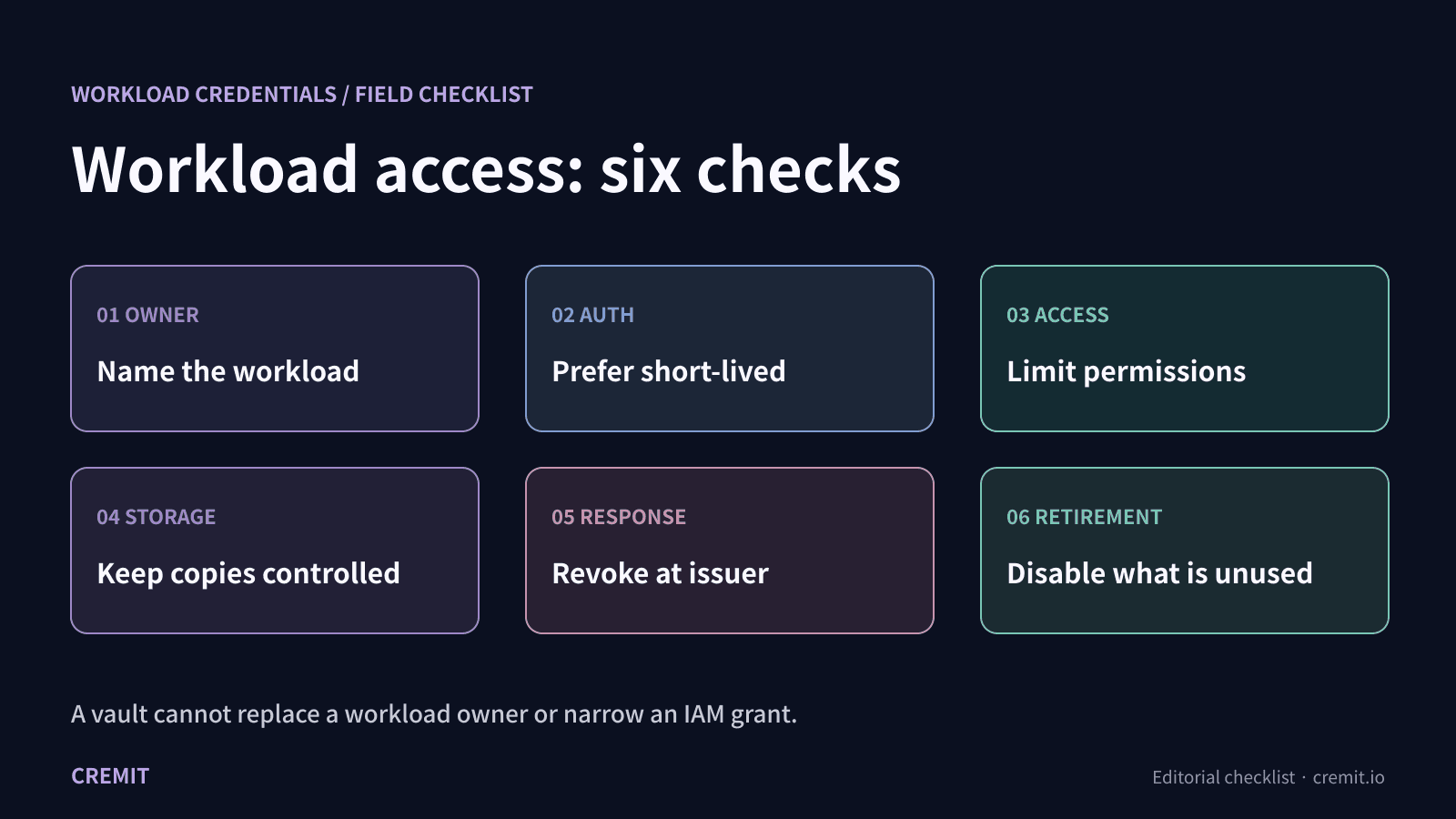
1. Name the workload and its owner
Record the service or job, its principal, the environment, the resources it needs and the person responsible for changes. Google Cloud recommends single-purpose service accounts with an application name and contact in their documentation. A developer who committed a credential may know where one copy came from but is not automatically the current service owner.
2. Prefer temporary, keyless access where supported
AWS recommends temporary role credentials for workloads. Google Cloud recommends attached service accounts or workload identity federation where the environment supports them. These approaches reduce the need to distribute static keys; they do not make the granted permissions harmless. If a dependency still requires a long-lived key, document why and who can replace it.
3. Limit what the principal can do
Check actions, resources and conditions at the issuing service. Review actual use and remove permissions the workload does not need. Storing a broad credential in a secure place protects a copy; it does not narrow the IAM grant behind it. Recheck access when the workload or integration changes.
4. Control the copies that must remain
Keep remaining credentials out of repositories, tickets and build artifacts. Docker advises secret mounts instead of build arguments or environment variables for build-time secrets because those values can persist in an image. Choose storage by credential type and platform: Google Cloud explicitly recommends avoiding user-managed service account keys where possible and does not recommend putting those keys in Secret Manager as a general storage-and-rotation pattern. Restrict and audit access to any key that must remain.
5. Plan replacement before and after exposure
For routine replacement, identify dependent workloads, deploy the new credential, confirm they use it, then invalidate the old one. If a real key is exposed, act at the issuer promptly and investigate available access logs and other copies. GitHub recommends revocation or rotation before rewriting repository history; deleting a file cannot recall copies already made. A short expiry narrows time but does not prove a stolen token was unused.
6. Retire access with the workload
When an application or integration ends, remove its grants, disable the unused principal, invalidate remaining keys and verify that no dependent service still needs it. Google Cloud recommends disabling unused service accounts before deletion. OWASP treats improper offboarding and secret leakage as distinct risks. A clean scan of one source does not prove that an old principal has been retired.
Where Cremit fits
Cremit finds credential patterns in supported connected sources, checks issuer status for supported types, and brings available AWS/GCP access context and owner clues into a finding. It does not create a complete inventory of live workloads, configure IAM roles, securely store every key, rotate credentials or prove misuse. The service owner still decides which access is needed and completes issuer-side response and retirement.
Primary documentation
AWS IAM: temporary credentials, least privilege and reviews
Google Cloud: secure service account management
Google Cloud: when service account keys remain necessary
Docker: build secrets and secret mounts
GitHub: revoke a leaked secret before history cleanup
OWASP NHI Top 10: offboarding and secret leakage
Related reading
Read next
GhostAction Analysis: How a Malicious Workflow Collects Keys from Git History
A review of 100 public workflow samples and Uber repository events shows four collector versions. We examine deleted-key collection through Git patches, successful exits after transfer failure, and credential-based response priorities.
MCP Servers Are Taking API Keys Through the Chat Window
We sent one initialize request to every remote MCP server in the official registry. 71.3% of 22,027 responding servers opened a session with no header authentication, and 3,705 credential fields sit in tool arguments. Three of them are marked secret.
Unlisted, Not Private
A September 2026 sweep of 33 public surfaces confirmed 23,912 active credentials. Privilege context was established for 7,468; 1,277 had permission to issue another key. Actual re-issuance was not tested.
Get the next one in your inbox
Monthly NHI security brief from Cremit. One email, high signal.