Bitwarden CLI npm compromise: affected systems and response
A malicious CLI package was available on npm for 93 minutes on April 22, 2026. Check who installed it, what researchers found, and Bitwarden’s response steps.

On this page(4)
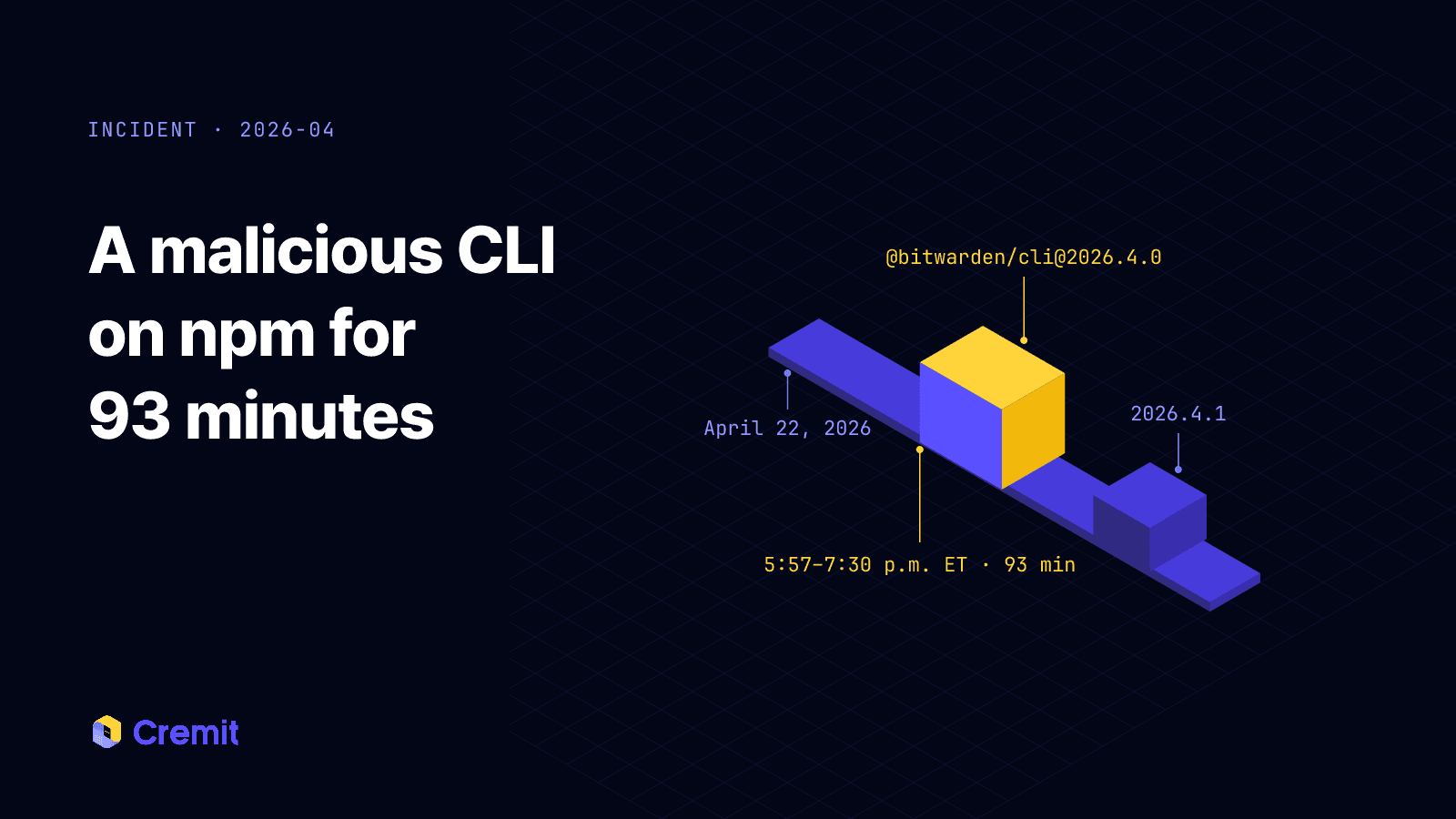
On April 22, 2026, a malicious @bitwarden/cli@2026.4.0 package was available through npm from 5:57 p.m. to 7:30 p.m. Eastern time. Bitwarden says the affected group is people and systems that installed that CLI version from npm during the window. The company found no evidence that end-user vault data, its production systems, or production data were compromised.
What was compromised
The affected distribution path was the npm package for Bitwarden CLI. Bitwarden says the legitimate CLI codebase and other products were not affected. This was a package distribution incident, not evidence that ordinary Bitwarden vault accounts were breached.
Socket researchers analyzed malicious code in bw1.js inside the package. They reported code that sought tokens and credentials from environment variables, cloud configuration files, npm configuration, SSH keys, and GitHub Actions runners. Socket also linked the package to a broader Checkmarx supply-chain campaign and reported apparent abuse of a GitHub Action in the release path. Those are findings about the malicious package and likely route; they do not establish how many customer systems installed it or which secrets were actually taken from each one.
Who should investigate
Check whether a developer machine, build runner, or container installed @bitwarden/cli@2026.4.0 through npm during the stated window. Look at package versions in installation records, CI logs, lockfiles for project dependencies, and package caches. A project lockfile can fix a dependency version for npm ci; it does not by itself control a separate global npm install -g @bitwarden/cli step.
If you did not install the affected CLI through npm during that window, Bitwarden says this incident does not affect you. If the version was installed, treat credentials accessible to that machine or runner as potentially exposed. Do not assume every credential was exfiltrated; investigate and rotate according to its actual access and scope.
Response steps from Bitwarden
Bitwarden advises affected users to uninstall CLI 2026.4.0, clear the npm cache, temporarily disable npm install scripts during cleanup, review the system for the published indicators, rotate potentially exposed secrets including API tokens and SSH keys, inspect GitHub and CI activity for unauthorized changes, and install CLI 2026.4.1. For an ephemeral runner, review logs and secrets available to that job as well as the runner image or template used to rebuild it.
The case illustrates a specific boundary: a trusted package name and a successful build do not prove that a downloaded release was safe. Pinning project dependencies, limiting the credentials available during builds, and reviewing release-workflow changes reduce the scope of this kind of event. None of these measures alone guarantees prevention.
Sources
Bitwarden: official incident statement
Socket: analysis of the malicious package
Read next
GhostAction Analysis: How a Malicious Workflow Collects Keys from Git History
A review of 100 public workflow samples and Uber repository events shows four collector versions. We examine deleted-key collection through Git patches, successful exits after transfer failure, and credential-based response priorities.
Vercel's April 2026 Incident Is a Textbook NHI Problem: What to Rotate and Why
Vercel confirmed an unauthorized-access incident on April 19, 2026 that started in a third-party AI tool, pivoted through Google Workspace, and reached environment variables in a subset of customer projects. The exposure surface is every env var that was not marked sensitive. Here is what is confirmed, what is noise, and what to rotate first.
When the Security Scanner Became the Weapon: A Cyber Kill Chain Analysis of the Trivy Supply Chain Attack
Aqua Security's Trivy was compromised by TeamPCP, cascading into LiteLLM. A 7-phase Cyber Kill Chain and MITRE ATT&CK analysis of how incomplete credential rotation turned a single breach into a five-ecosystem catastrophe.
Get the next one in your inbox
Monthly NHI security brief from Cremit. One email, high signal.